
Ditch the Return Envelope? How Online RSVPs Fit Into Modern Wedding Invitations
The short answer is yes — guests can absolutely RSVP online instead of dropping a card in the mail. Digital response options have become completely mainstream at US weddings, and many couples now skip the return envelope entirely. But doing it well takes a little planning. Here's everything you need to know to make online RSVPs seamless for your guests and stress-free for you.
Why Online RSVPs Have Become So Popular
Mailed RSVP cards require guests to find a stamp, remember to send the card back, and actually do it before the deadline — three friction points that lead to late (or missing) responses. Online RSVPs remove all of that. Guests click a link, fill in their names, select their meal choice, and they're done in under two minutes.
For couples, the benefits are just as real. Digital responses feed directly into a spreadsheet or guest management tool, so you're not manually tallying cards as they trickle in. You can also send automated reminders to anyone who hasn't responded, which is far less awkward than texting Aunt Carol yourself.
How to Set Up an Online RSVP System
There are several reliable platforms built specifically for wedding RSVPs, including Zola, The Knot, Joy, and Withjoy. Most are free and let you collect meal preferences, dietary restrictions, song requests, and plus-one confirmations. You can also use a simple Google Form if you prefer full control over the questions.
When setting up your form, collect at minimum:
- Full name (ask guests to list everyone in their party separately — this prevents confusion)
- Attendance confirmation (attending / not attending)
- Meal selection if you're offering a plated dinner
- Dietary restrictions or allergies
Set your RSVP deadline at least three to four weeks before the wedding so you have time to chase stragglers and finalize headcounts with your caterer and venue.
How to Word the RSVP Request on Your Invitation
The wording on your invitation does a lot of heavy lifting. Be clear and direct so guests know exactly what to do. A simple and elegant approach looks like this:
Kindly reply by October 1st at margoandbees.com/ourwedding
Or, if you want to give the URL more prominence:
Please RSVP online by October 1st
margoandbees.com/ourwedding
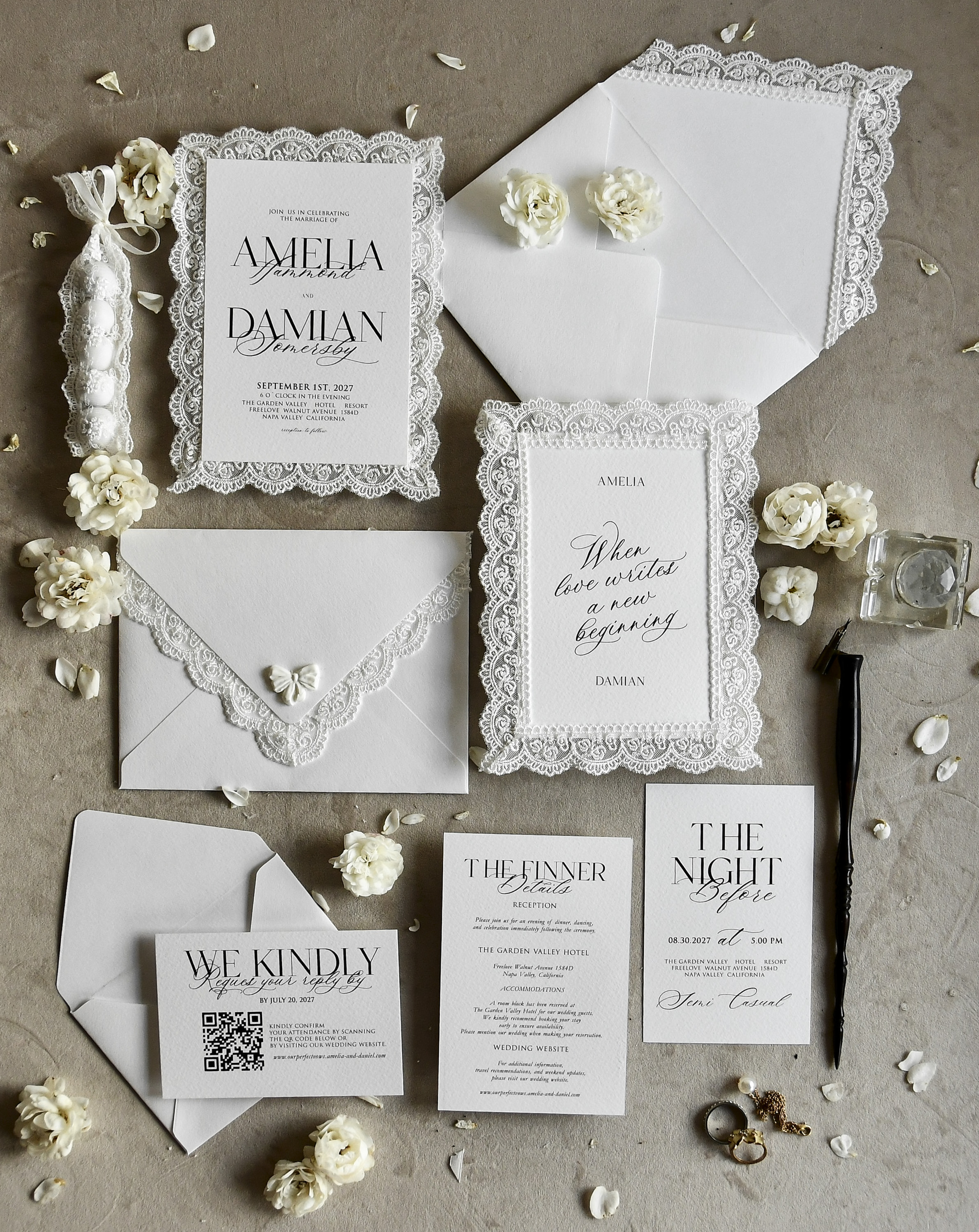
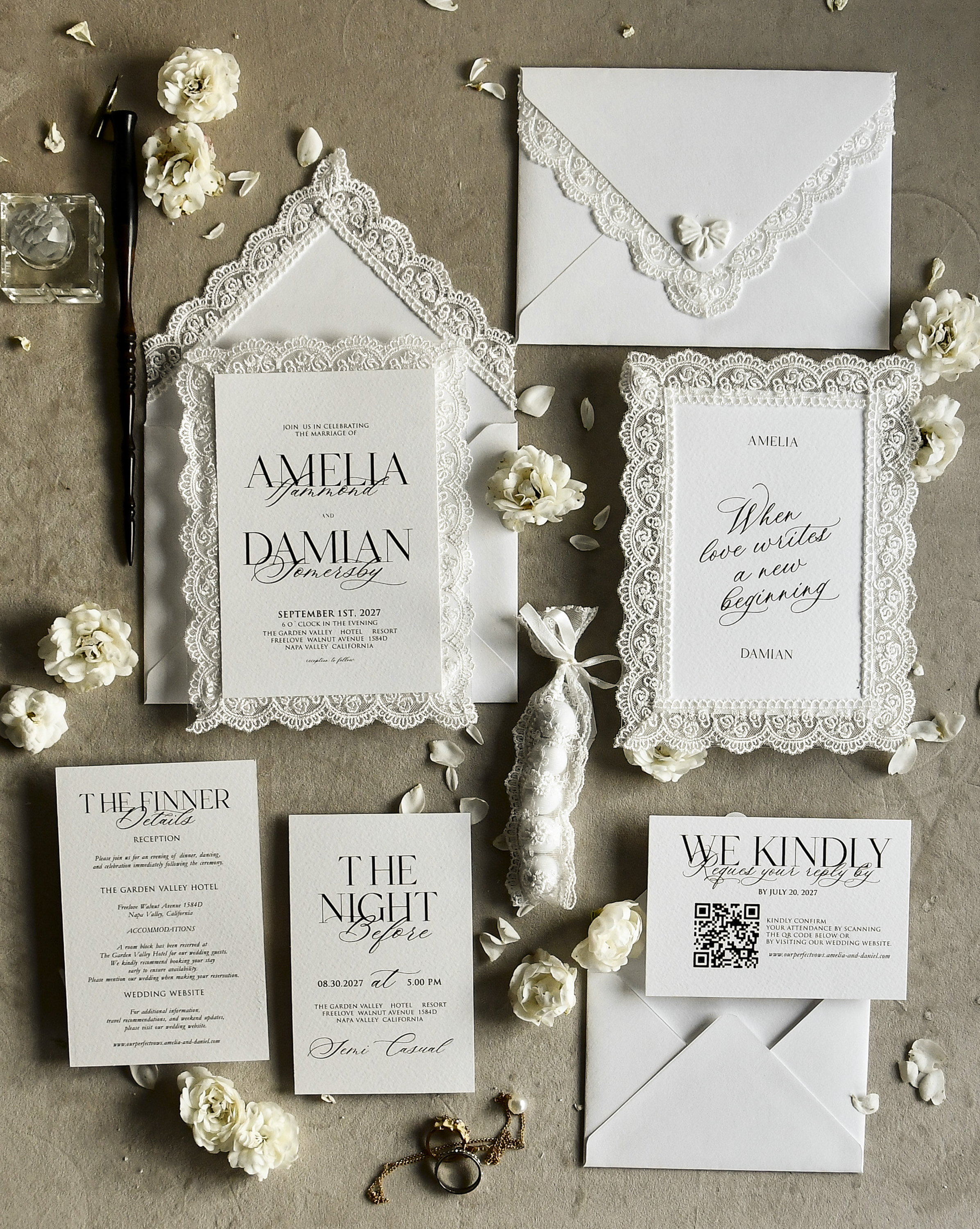
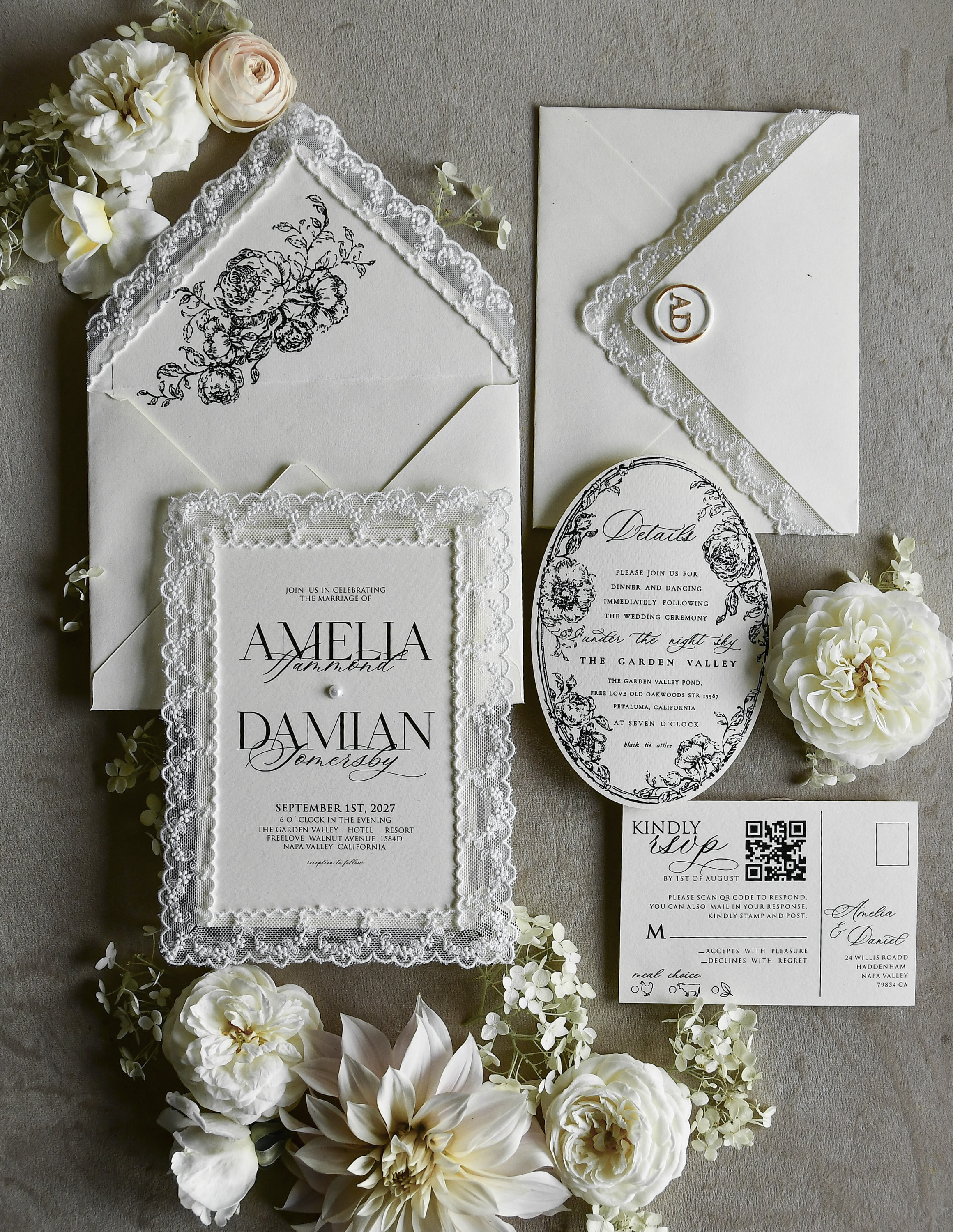
Keep the URL short and easy to type — most wedding website platforms let you customize a short link. If your URL is long or complicated, add a QR code to your invitation insert so guests can scan it directly. This is especially helpful for older guests who may not want to type a web address.
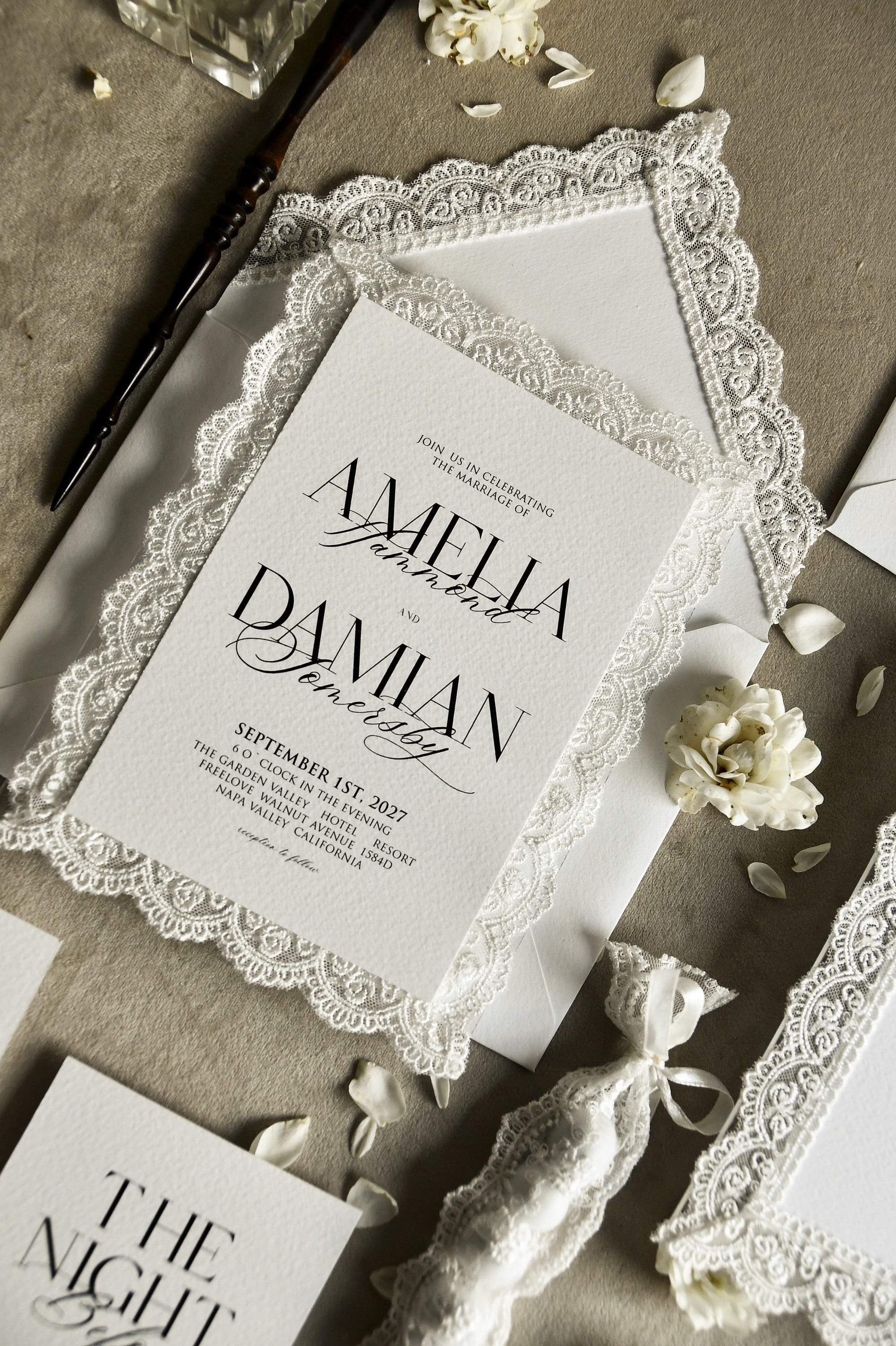
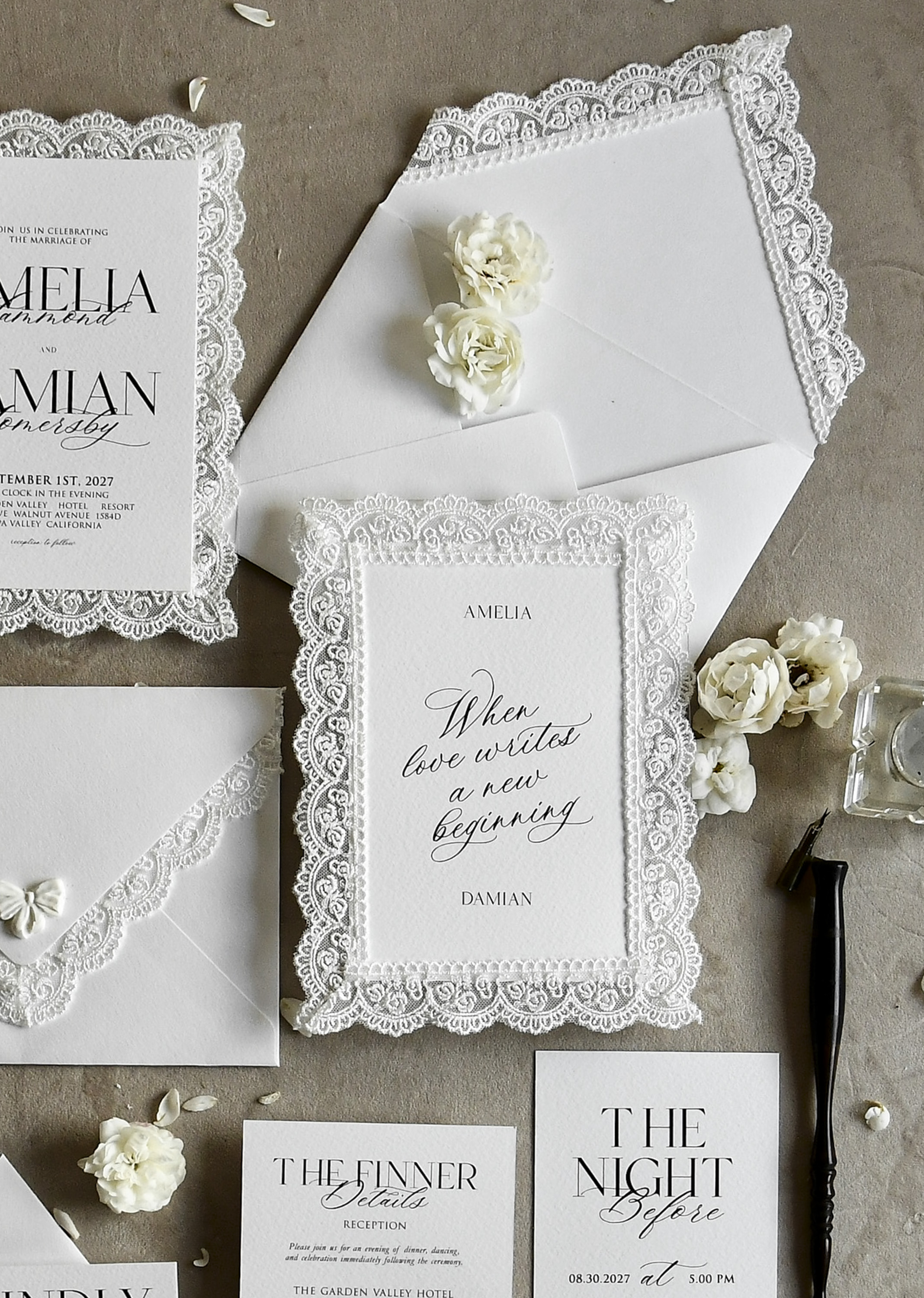
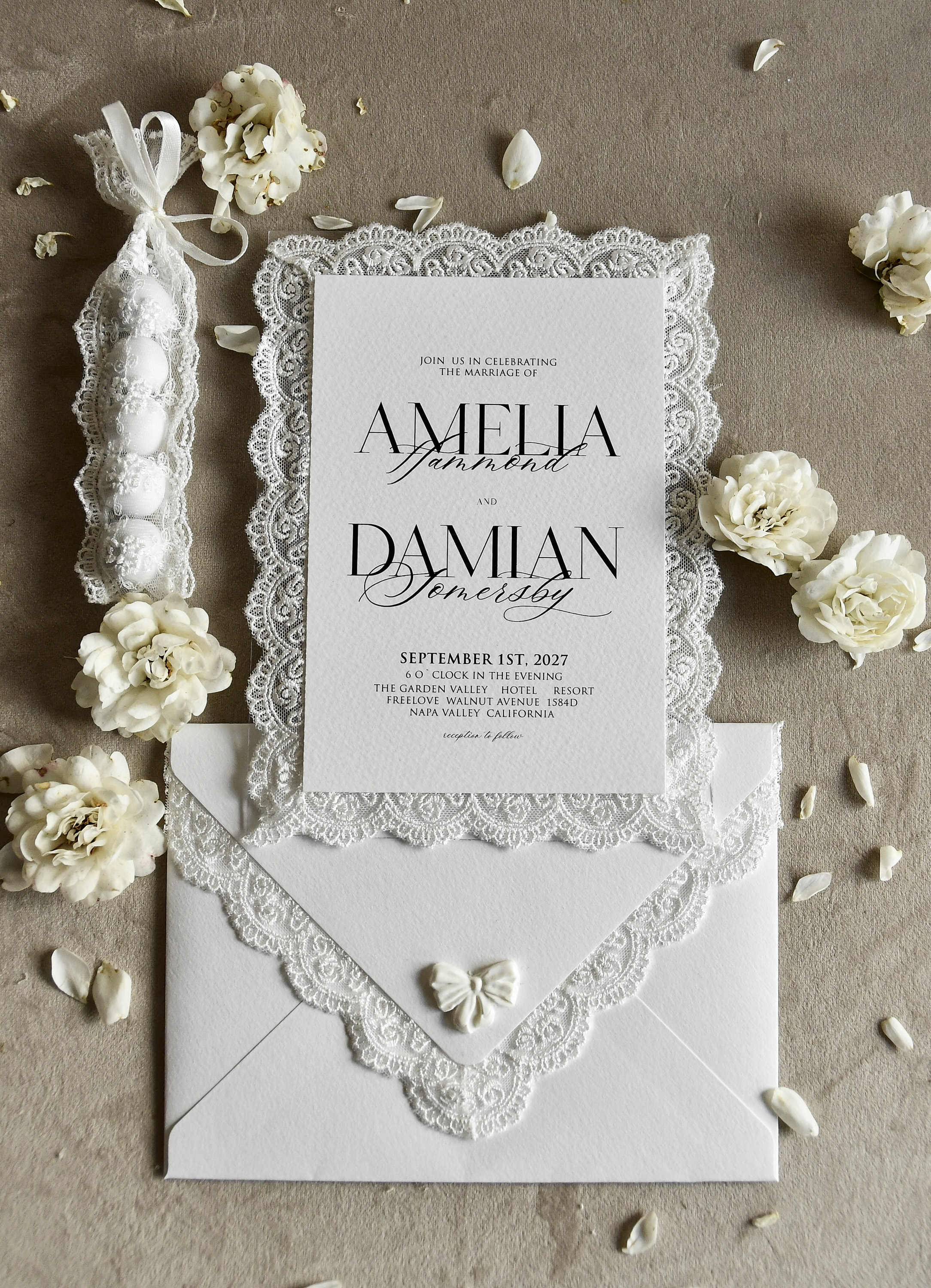
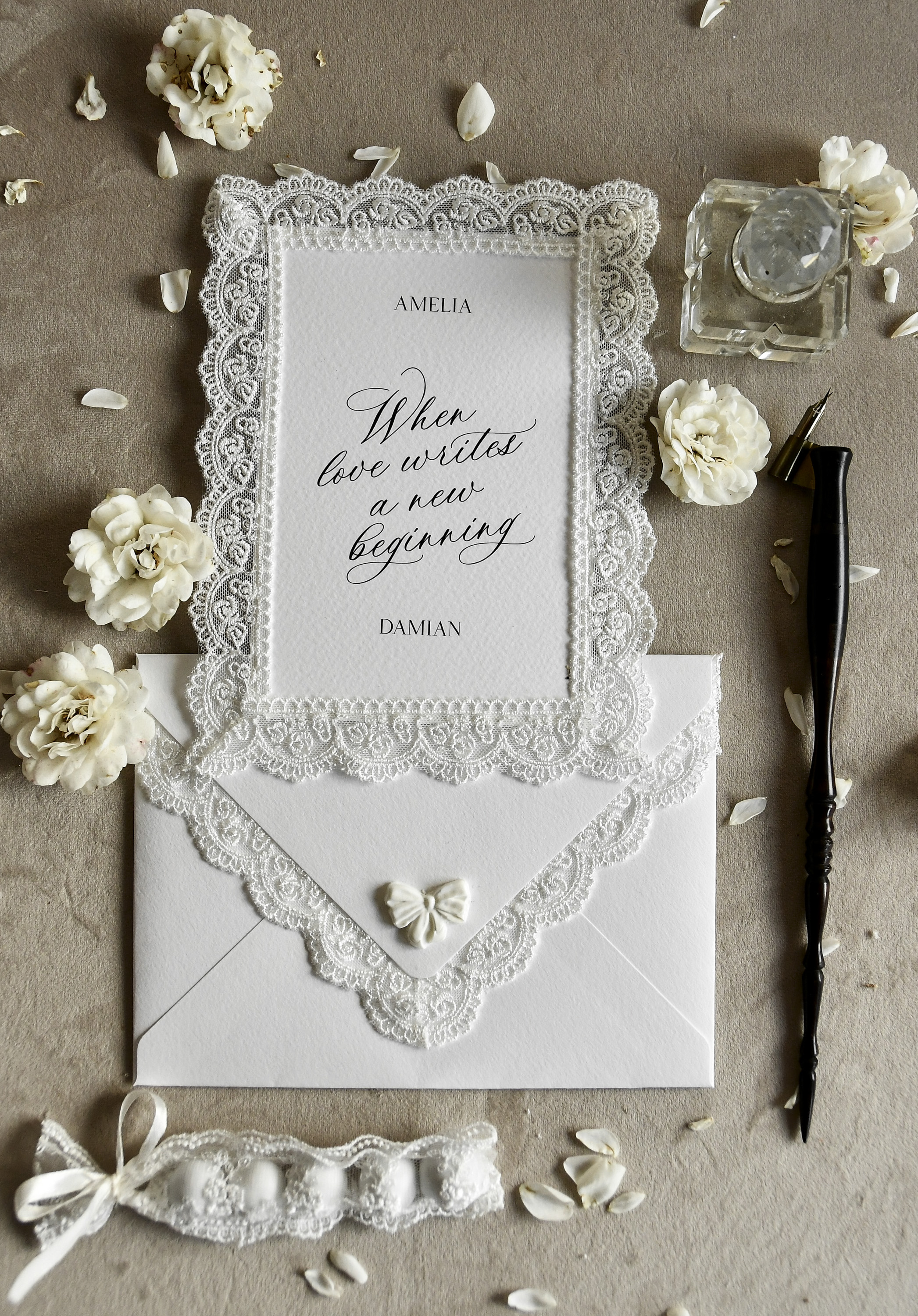
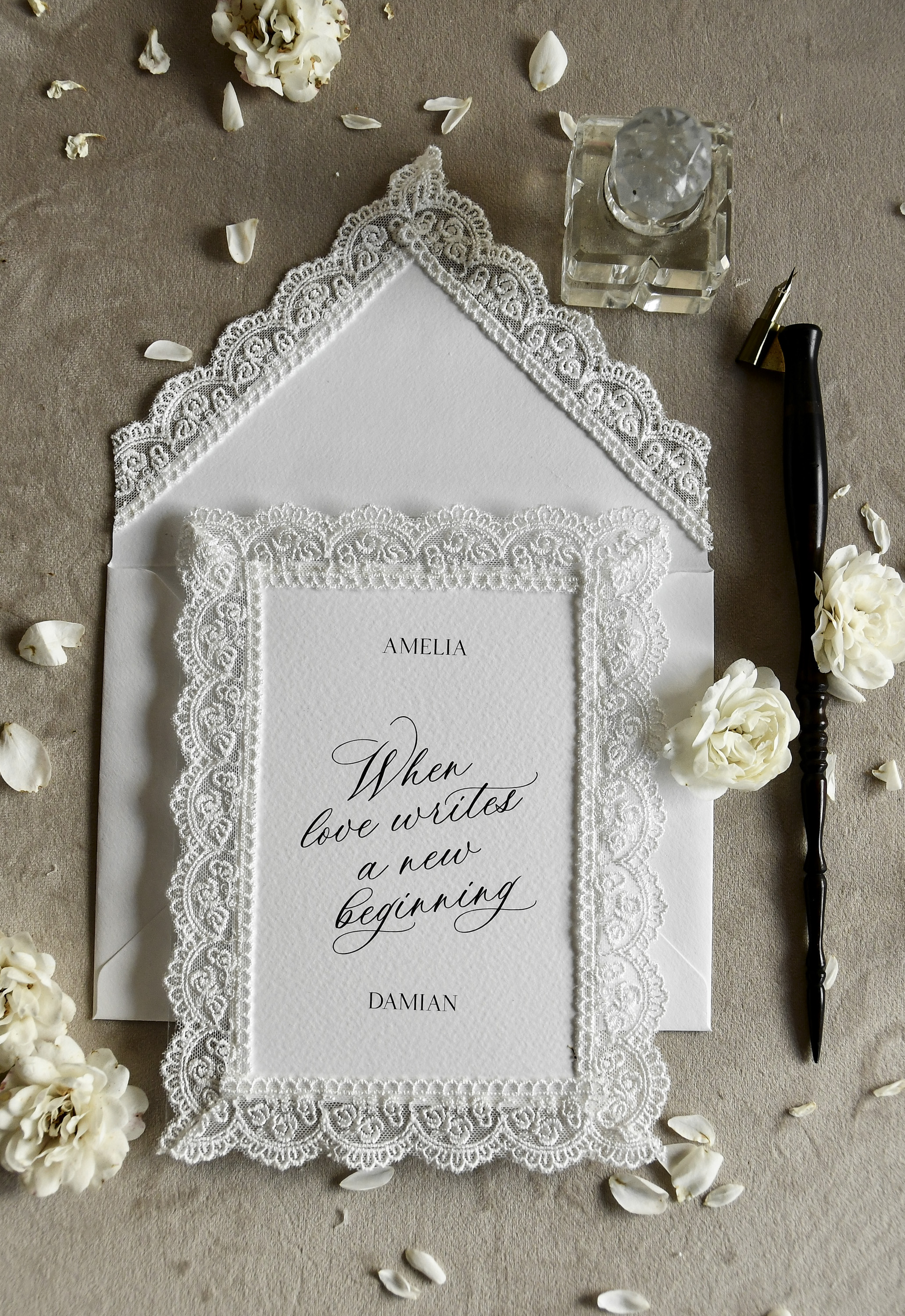
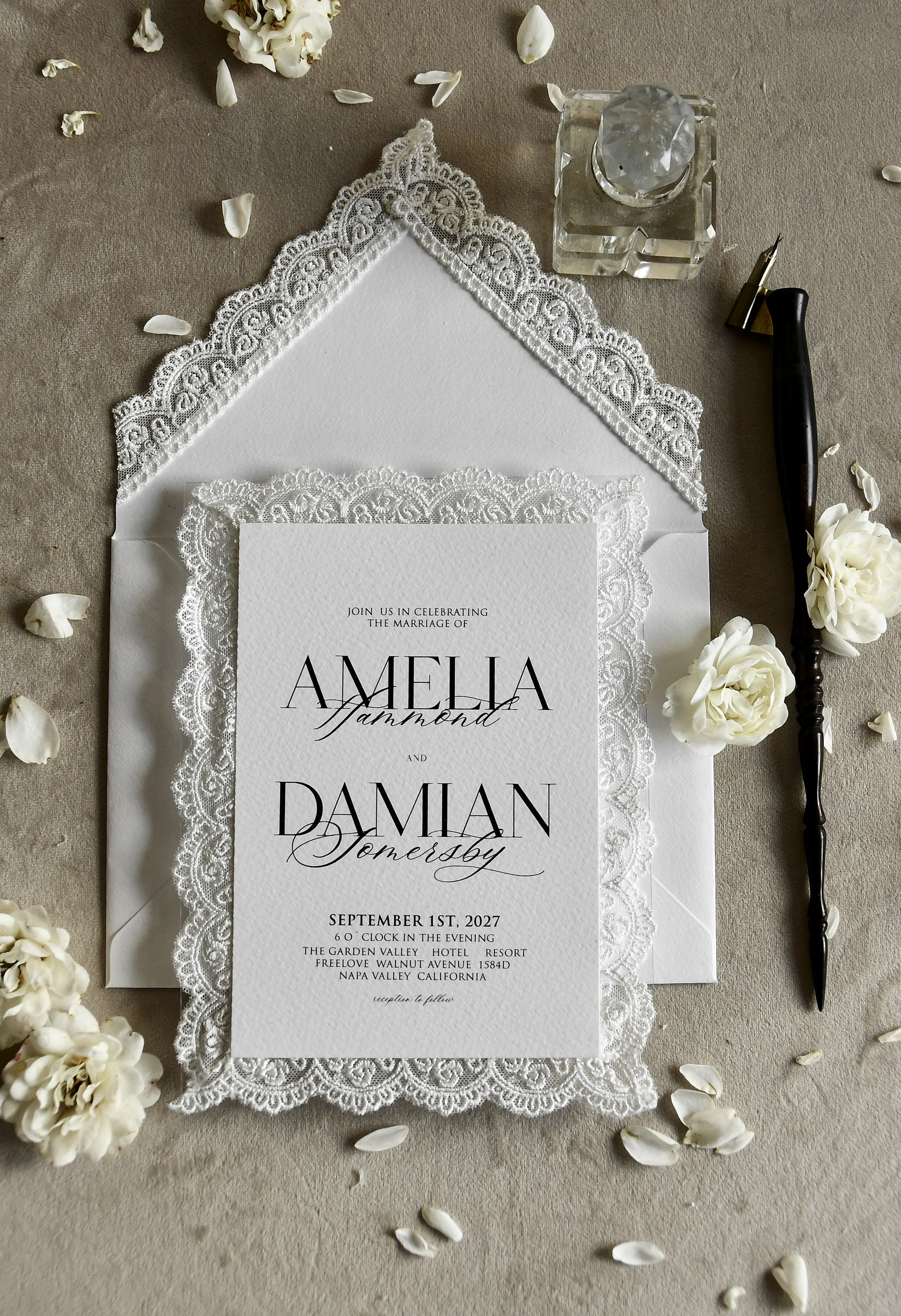
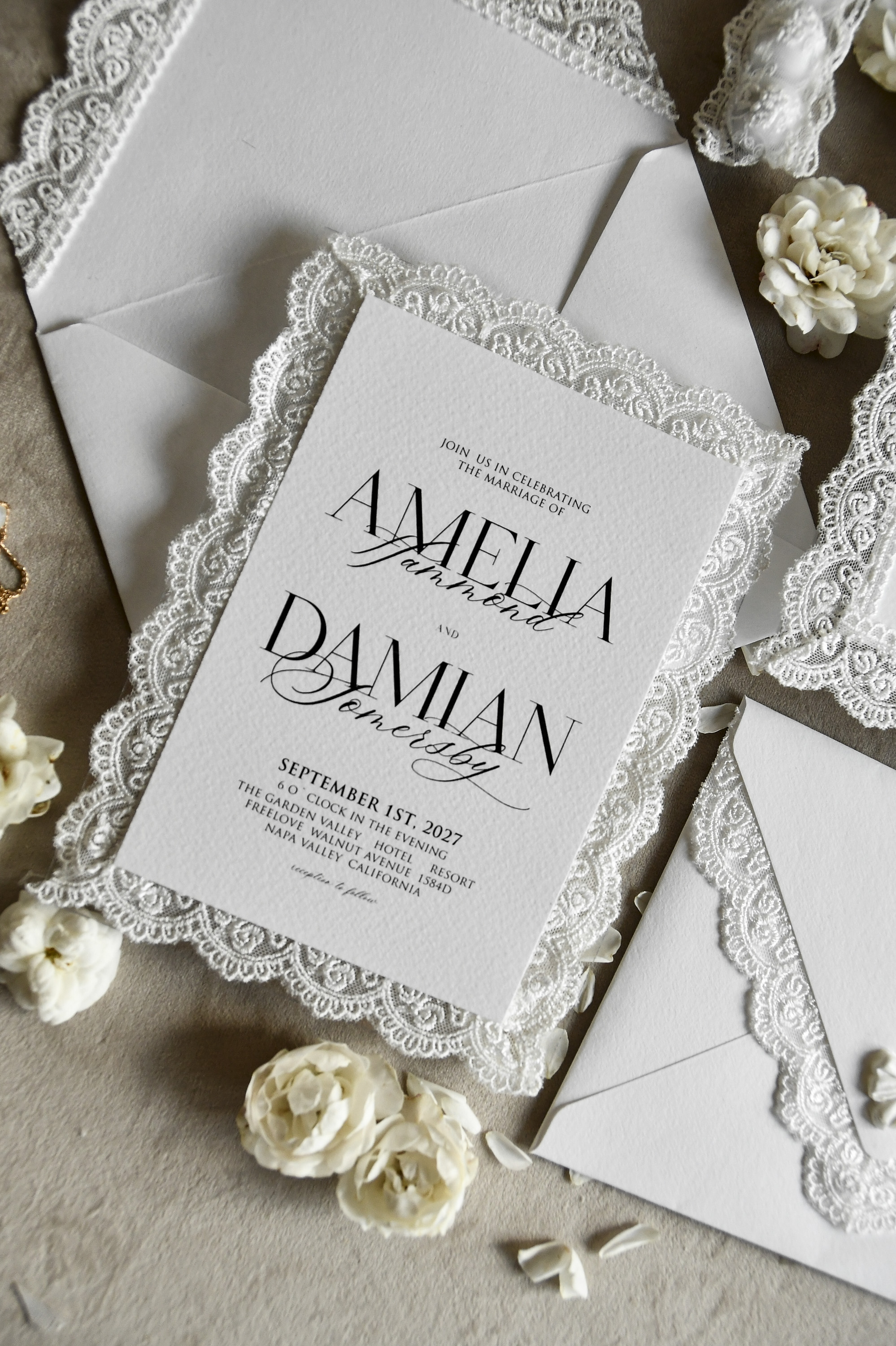
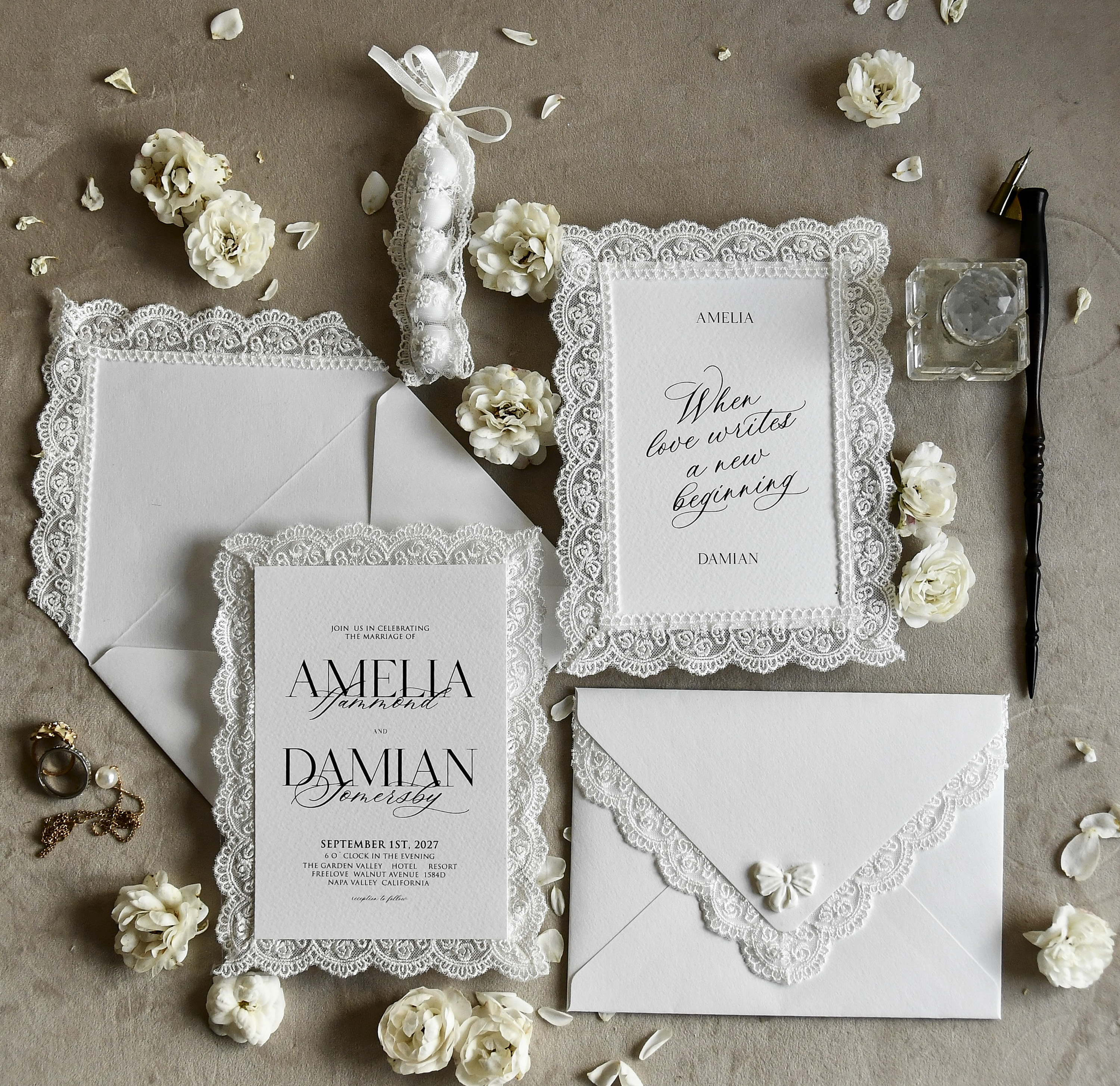
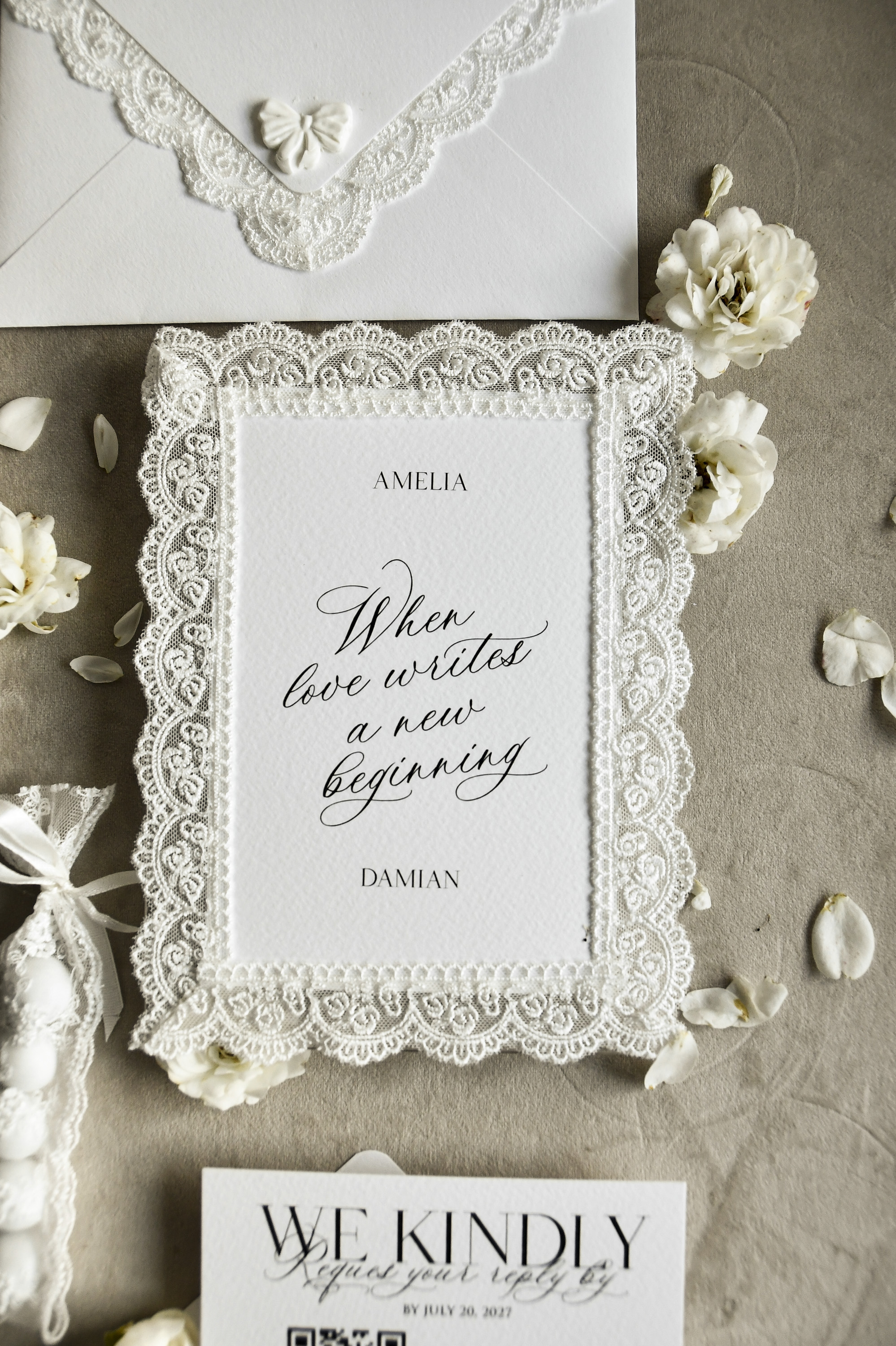
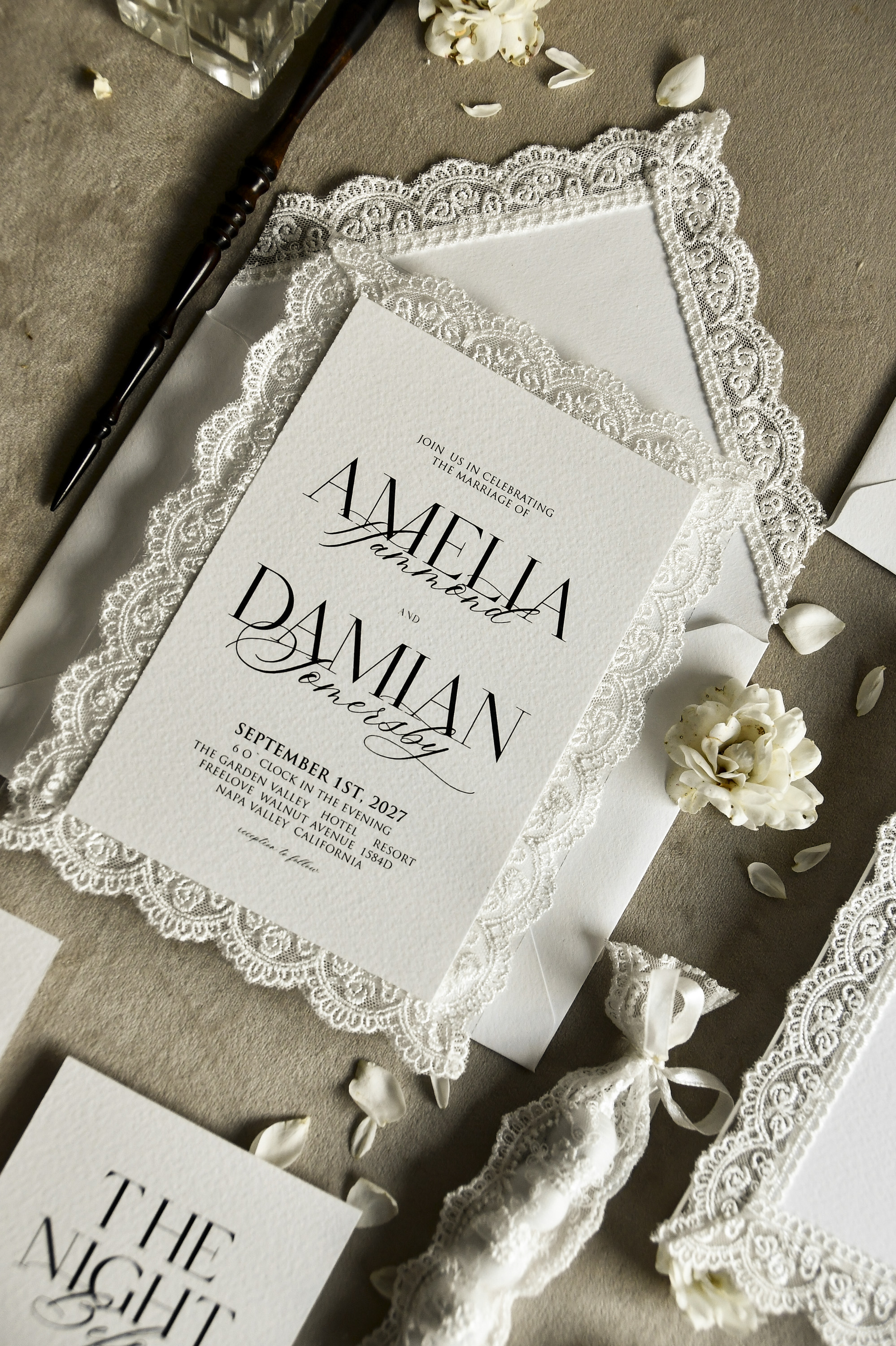
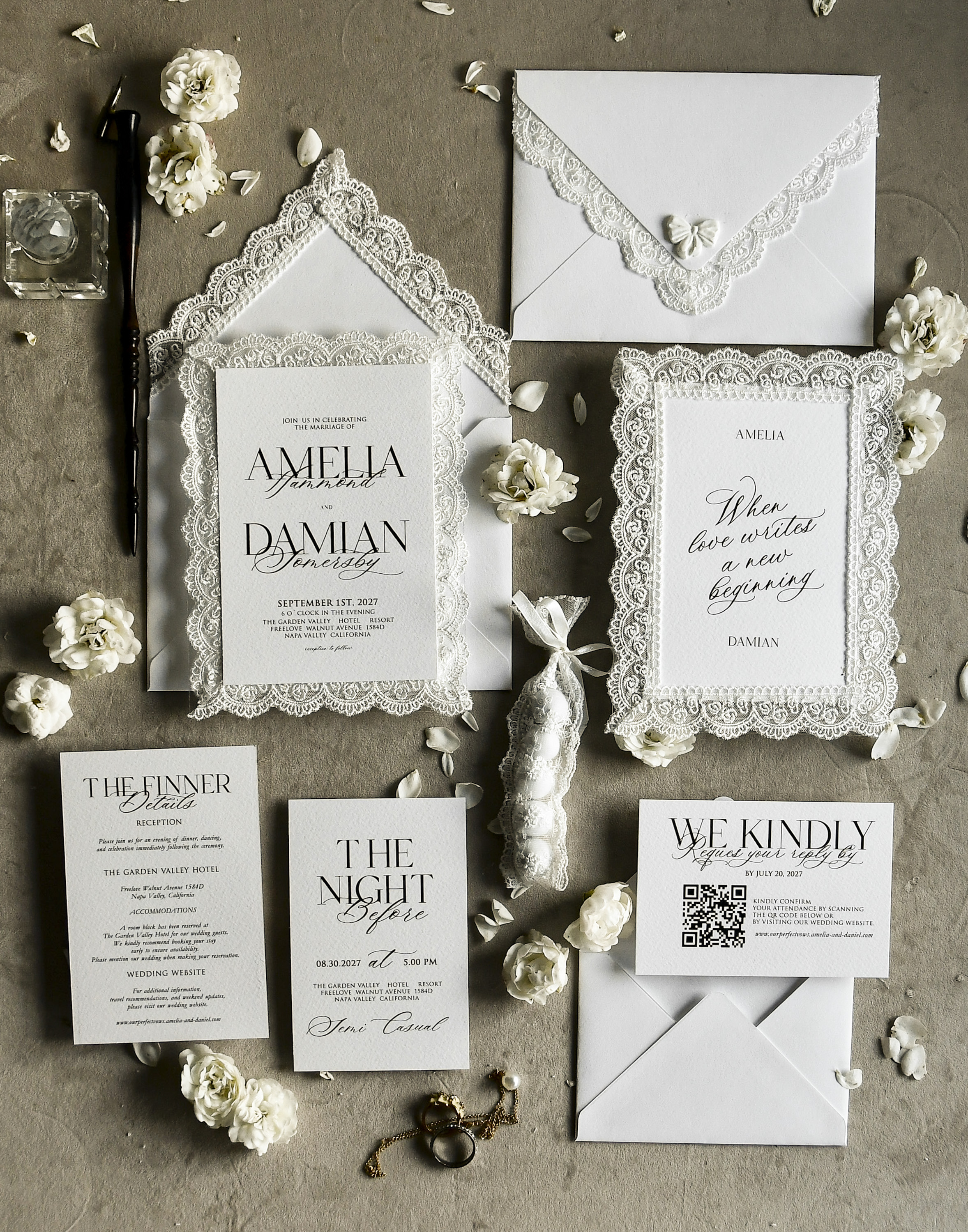
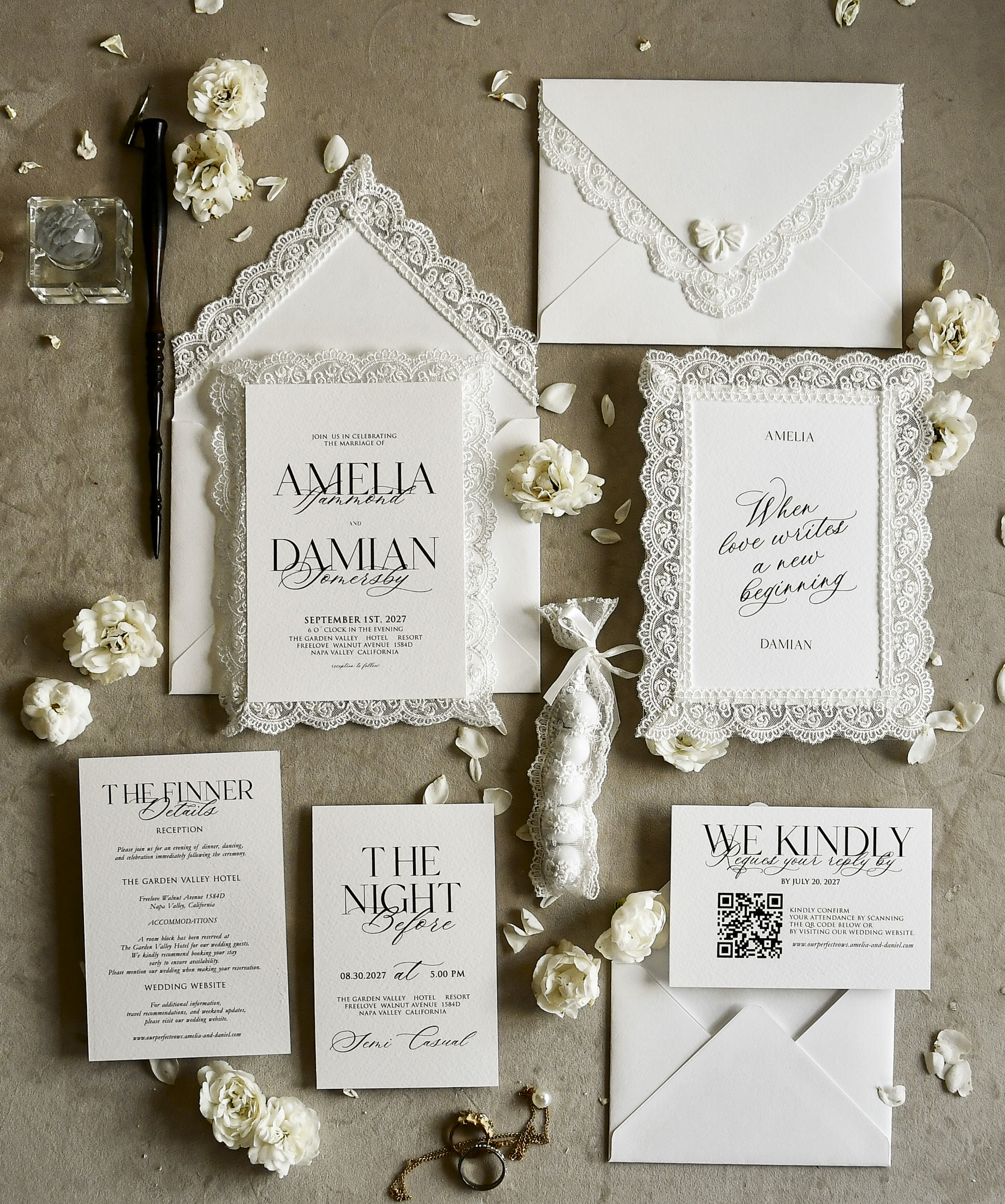
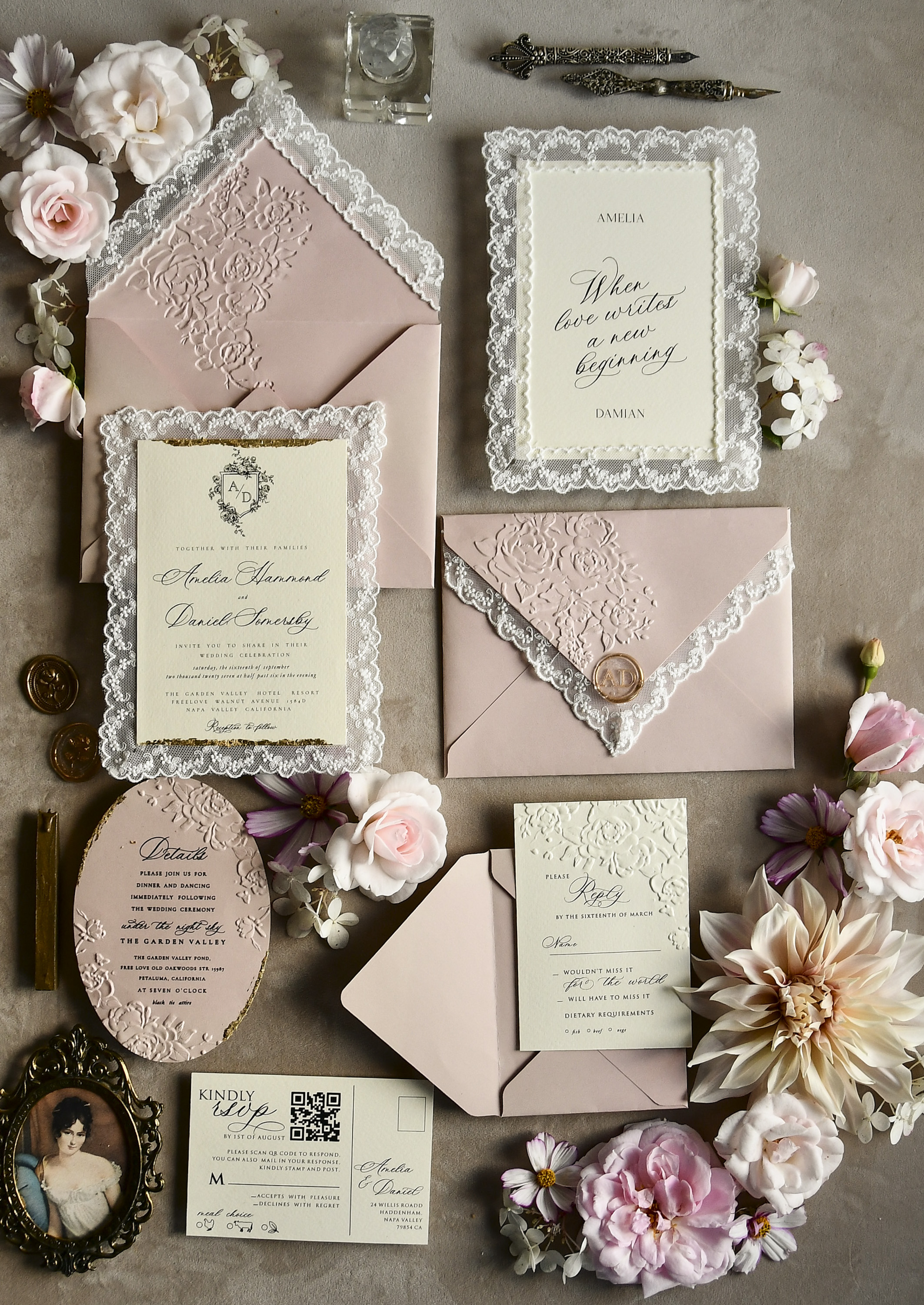
If you're using a beautifully detailed design like the 08/laceD/z vintage lace wedding invitation, a small RSVP details card tucked inside the envelope keeps the main invitation clean while giving guests all the response instructions they need.
Should You Still Include a Paper RSVP Card?
This is entirely up to you, but here are two scenarios where a paper backup still makes sense:
- Older guests or guests without reliable internet access: If a meaningful portion of your guest list falls into this category, including a traditional RSVP card ensures no one feels excluded or confused.
- Formal or traditional weddings: Some couples feel that a very formal affair calls for a complete paper suite. In that case, you can offer both options — list the website on the RSVP card as an alternative, not the primary method.
For most modern weddings, however, online-only is perfectly acceptable and widely expected. Skipping the return card also reduces your stationery cost and postage, which adds up quickly for larger guest lists.
Timing: When to Send Invitations With Online RSVPs
The timeline doesn't change much just because you're going digital. Send wedding invitations six to eight weeks before the wedding for a local or regional event, and ten to twelve weeks out for a destination wedding or one with a high number of out-of-town guests. If you've already sent save-the-dates with your wedding website URL, guests may start RSVPing before the formal invitations even arrive — which is a nice bonus.
Set a firm RSVP deadline and enforce it. About a week after the deadline passes, pull a list of non-responders and follow up personally by text or phone. It's one of the less glamorous parts of wedding planning, but it protects your final headcount. The 08/laceD/z invitation suite, starting at $8.50, pairs beautifully with a simple RSVP details insert that lists your website and deadline clearly, keeping your guests informed without cluttering your main invitation design.
Frequently Asked Questions
Not at all — online RSVPs are widely accepted at US weddings today. As long as the instructions are clear and easy to follow, guests of all ages generally find it convenient. If you have elderly guests or anyone without reliable internet access, consider including a phone number as an alternative.
Include a phone number or email address on your invitation as a backup RSVP method. You can also designate a family member or wedding coordinator to accept responses on behalf of guests who need extra help, then enter those responses into your system manually.
Yes, and it works better than a paper card for this. You can build a dropdown menu with your exact meal options, add dietary restriction fields, and even include a notes box for allergy details. This makes sharing the information with your caterer much cleaner.
Not necessarily — a standalone Google Form or a dedicated RSVP platform like Zola or Joy works fine without a full wedding website. However, a wedding website is a great place to house your RSVP form alongside travel info, your registry, and your wedding day schedule.
Pull a list of non-responders about one week after the deadline and follow up by text, phone, or email. Keep it light and friendly — most people simply forgot. If you can't reach someone after two attempts, it's reasonable to assume they are not attending and adjust your headcount accordingly.
Set the deadline three to four weeks before your wedding date. This gives you enough time to finalize headcounts with your caterer and venue, create a seating chart, and handle any last-minute changes without panicking.
See This Design Up Close
You May Also Like
More Wedding Planning Guides
- → Navigating Uninvited Guests: What to Say and How to Say It
- → Chasing Down Missing RSVPs: When and How to Follow Up With Guests
- → Divorced Parents at Your Wedding: Who Sits Where (and How to Keep the Peace)
- → He Said No to Your Family on the Guest List: How to Handle It
- → The Plus-One Question: How to Handle Teenage Guests at Your Wedding
- → Mom's Must-Invite List vs. Your Vision: How to Find the Middle Ground
- → The Cousin Dilemma: How to Handle Extended Family on Your Guest List
- → RSVP 'Yes' With a No-Show: How to Protect Your Day and Your Relationships
- → Your Ex, Your Wedding, Your Call: A Clear-Headed Guide to the Decision
- → Wedding Invitation Deadlines: What 'Too Late' Actually Means
- → Your Guest List, Your Rules: Navigating the Plus-One Decision
- → Who Really Deserves a Plus One at Your Wedding (and Who Doesn't)
- → Uninvited Plus-Ones and Tag-Alongs: How to Keep Your Guest List Intact
- → When Family Feuds Threaten Your Wedding Plans: A Practical Peacekeeper's Guide
- → Inviting an Estranged Brother or Sister: Finding Clarity Before You Seal the Envelope
- → Cousins, Invites, and Hard Choices: A Practical Guest List Guide