
Yes, Guests Can RSVP Online — Here's How to Make It Work Beautifully

Short answer: absolutely yes. Online RSVPs have become one of the most popular choices for couples planning weddings today, and for good reason — they're faster, easier to track, and save guests the hassle of finding a stamp. But switching from a traditional mailed response card to a digital option does come with a few etiquette and logistics questions worth thinking through before you send your invitations out.
Why Couples Are Choosing Online RSVPs
The appeal is straightforward. When guests RSVP through a website, their responses land in one organized place — no more chasing down stray envelopes or deciphering handwriting. You can collect meal preferences, dietary restrictions, and song requests all in one form. You'll also get real-time updates instead of waiting for the mail each day.
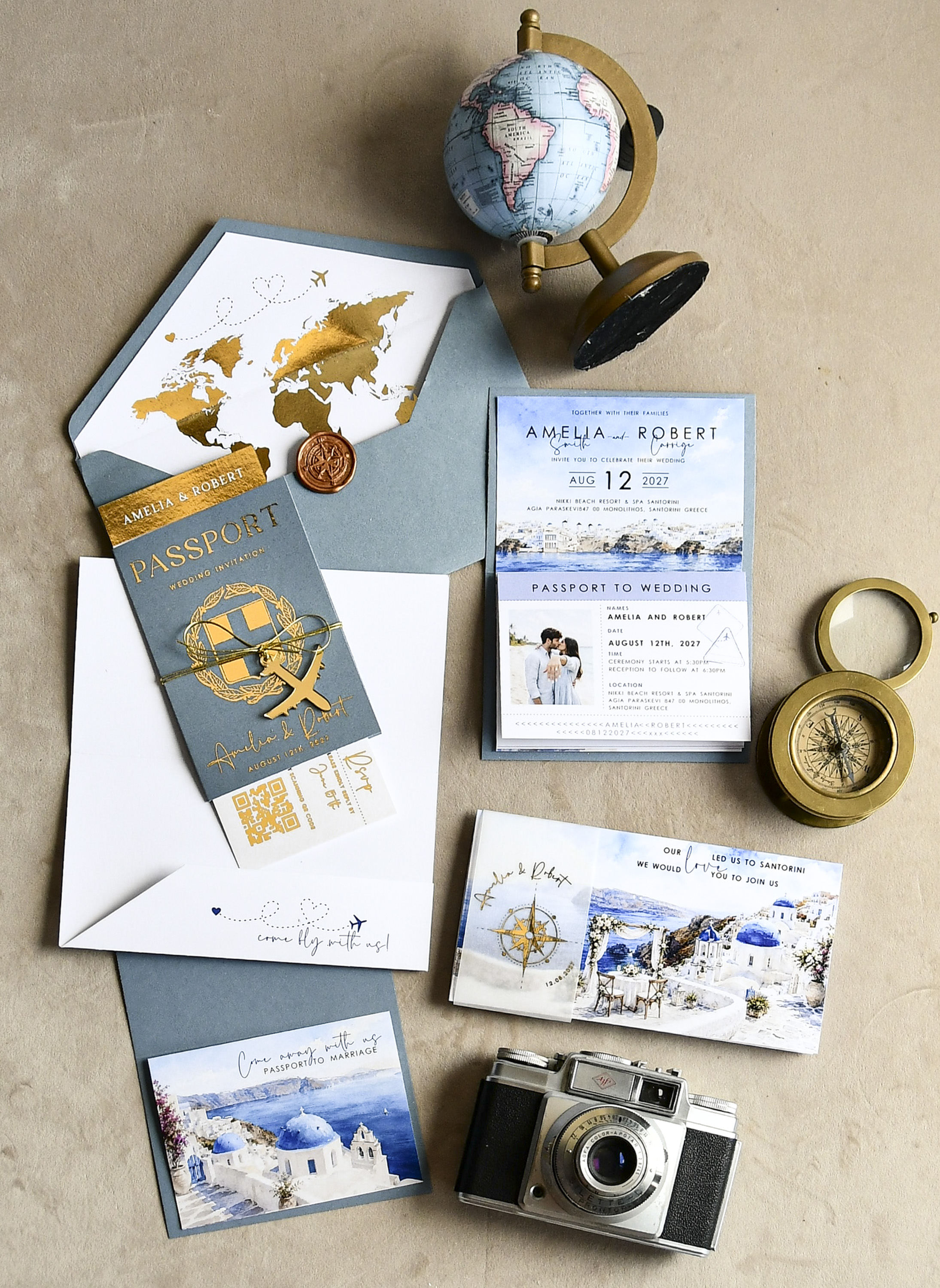
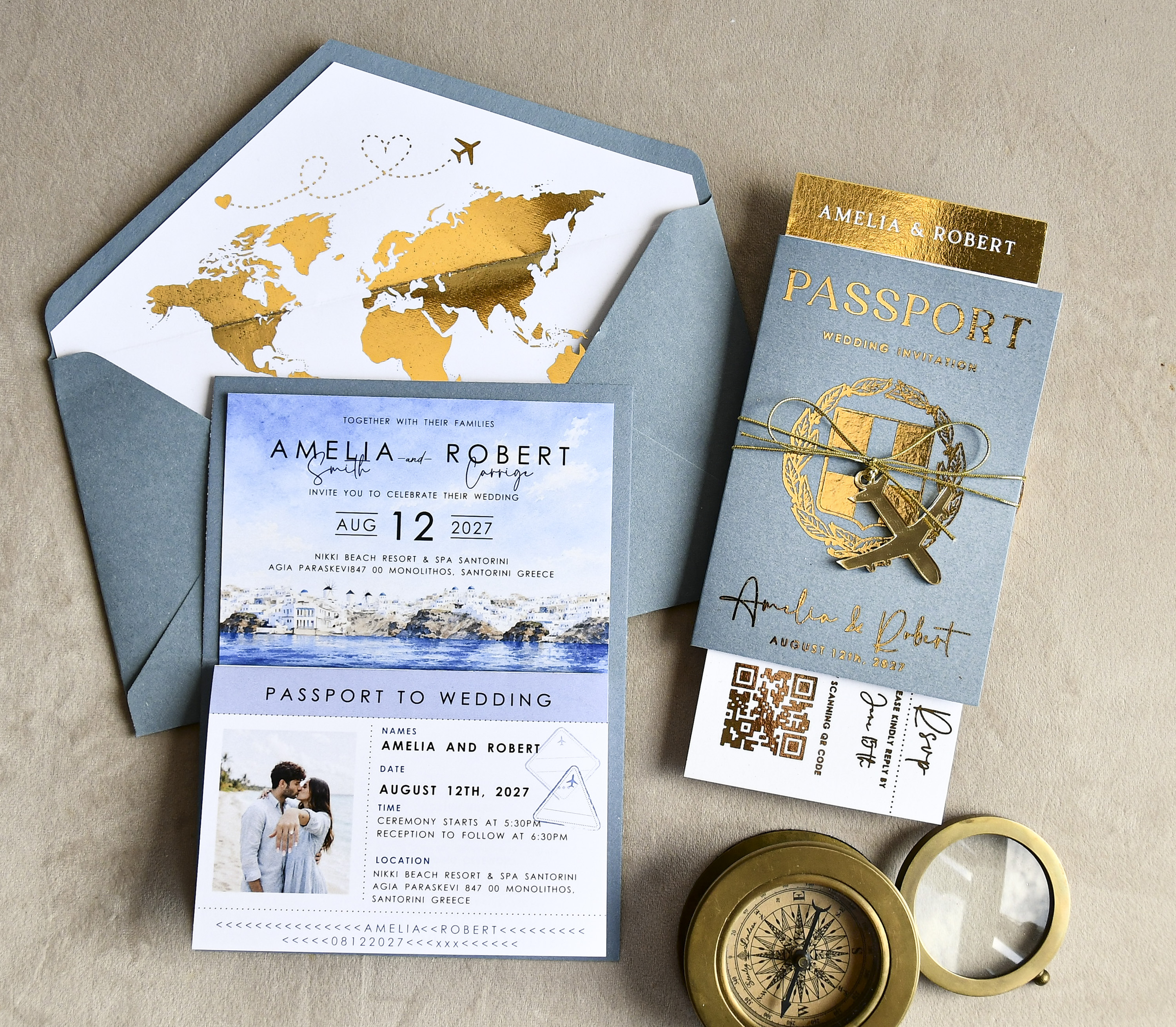
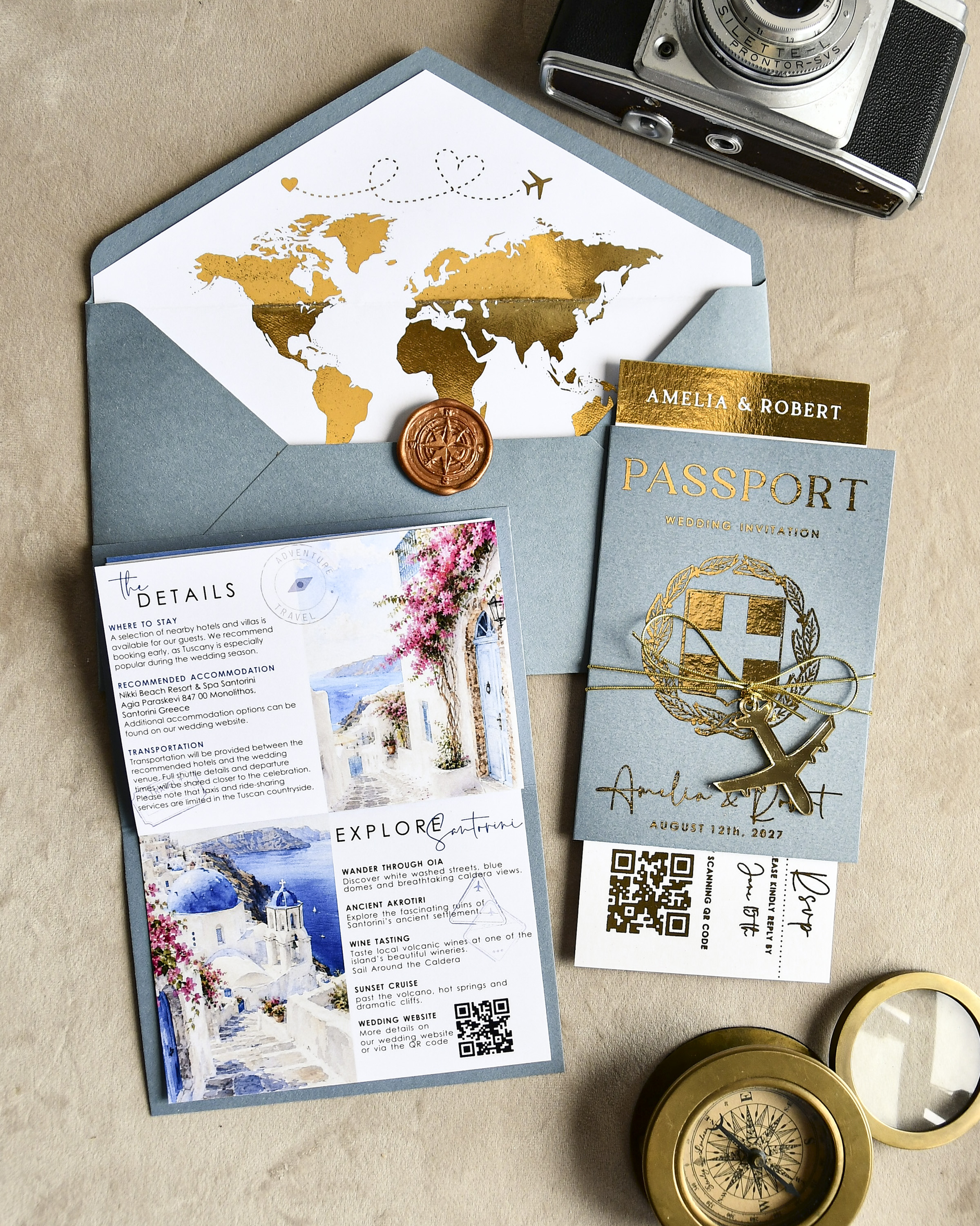
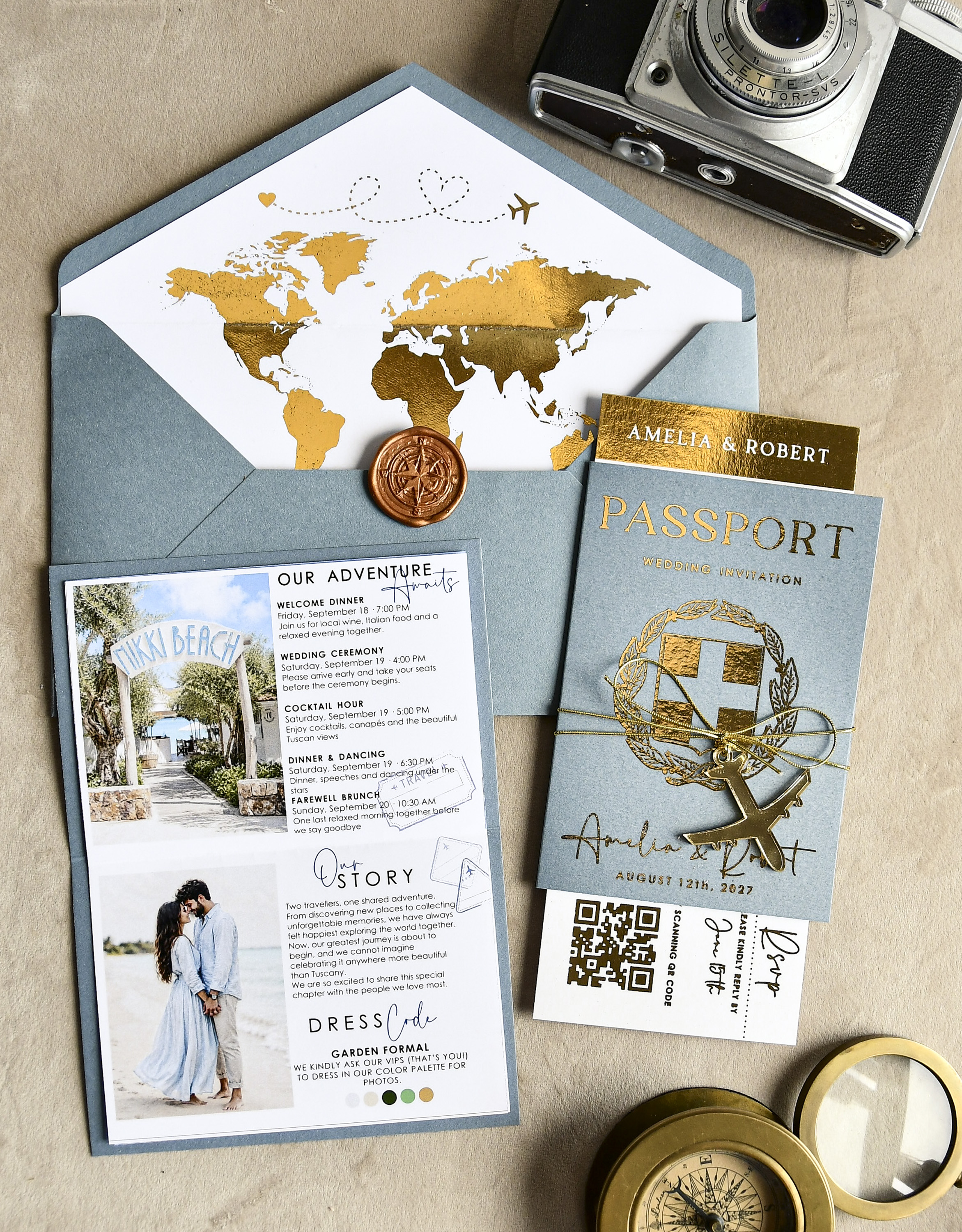
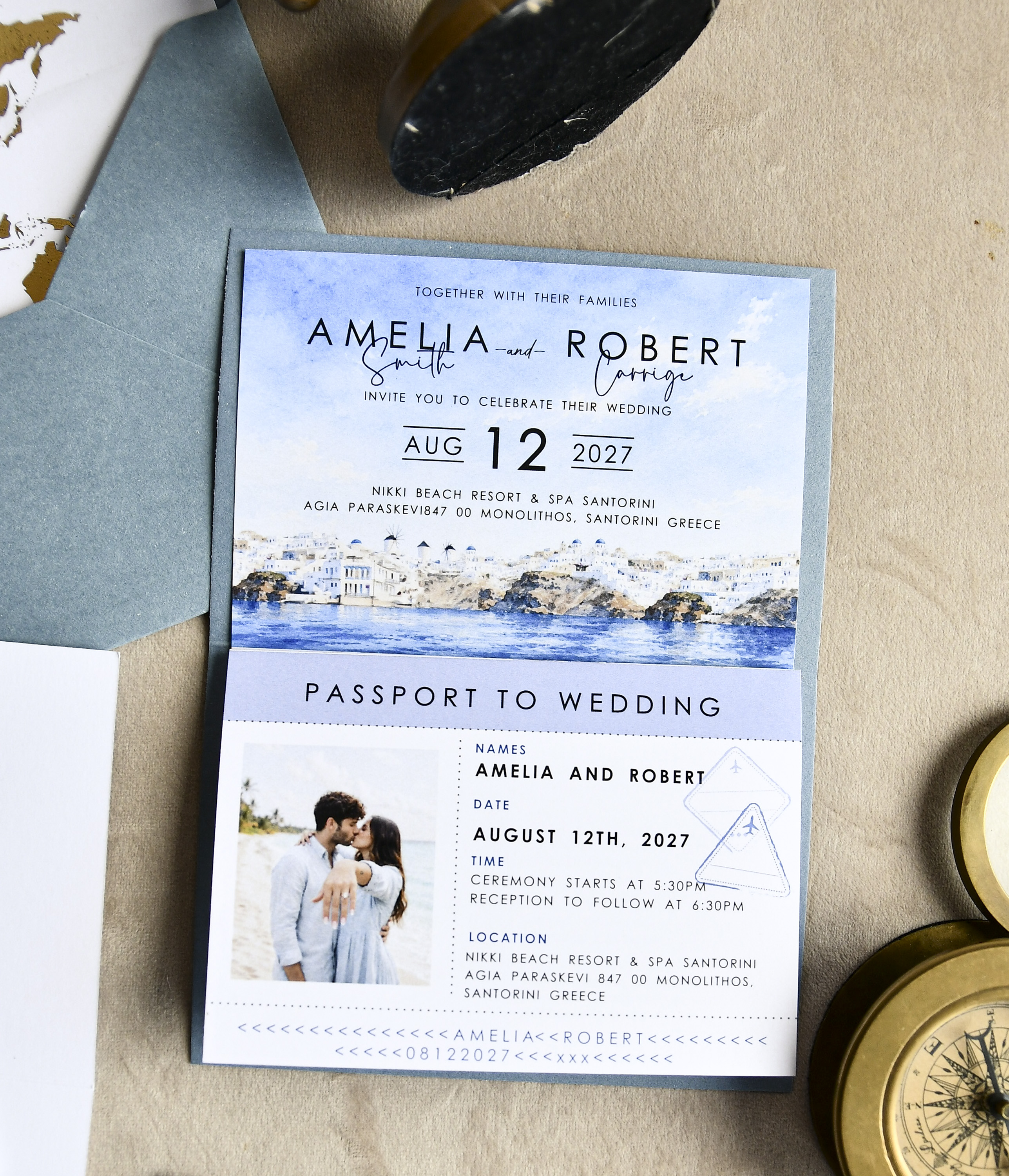
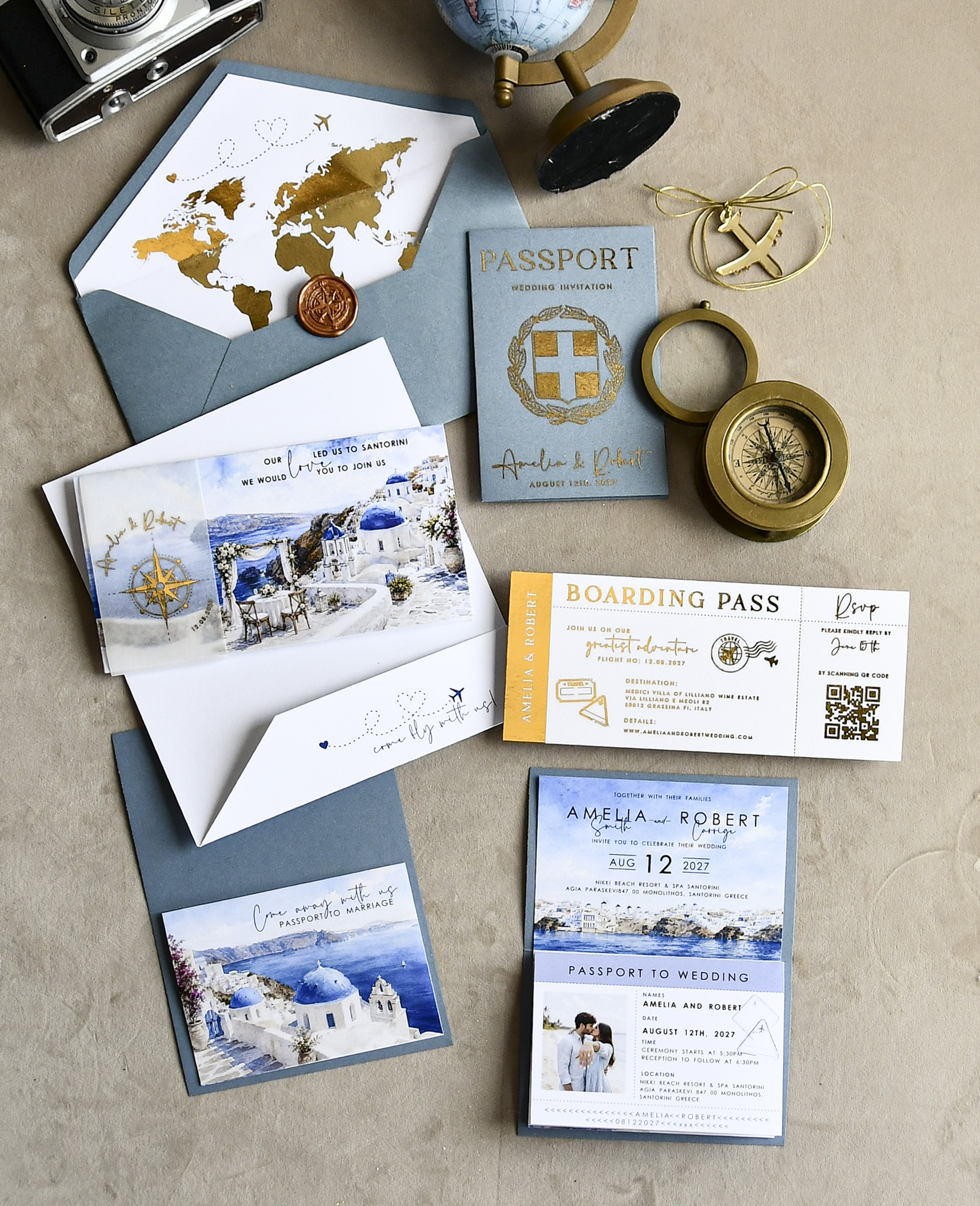
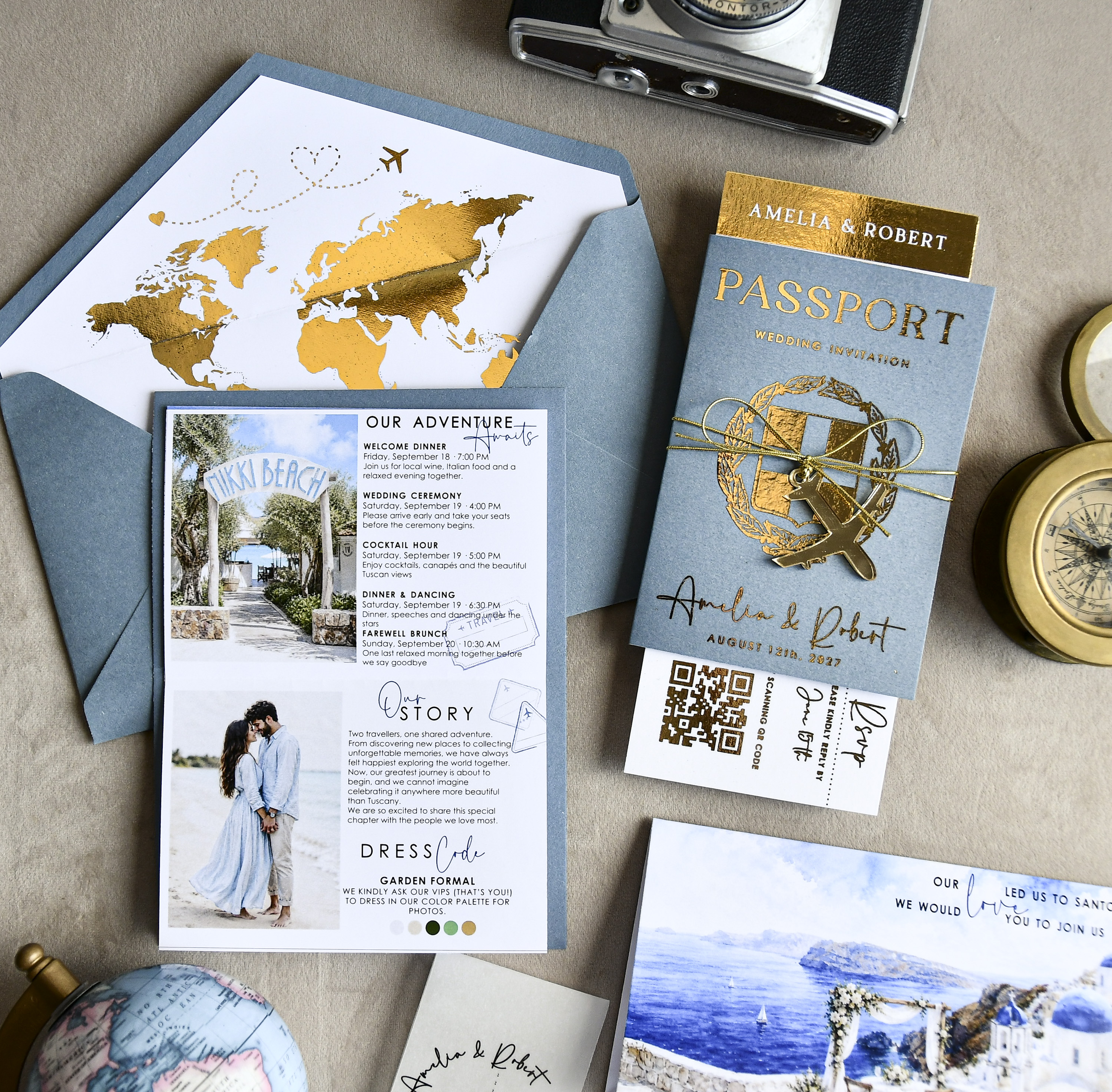
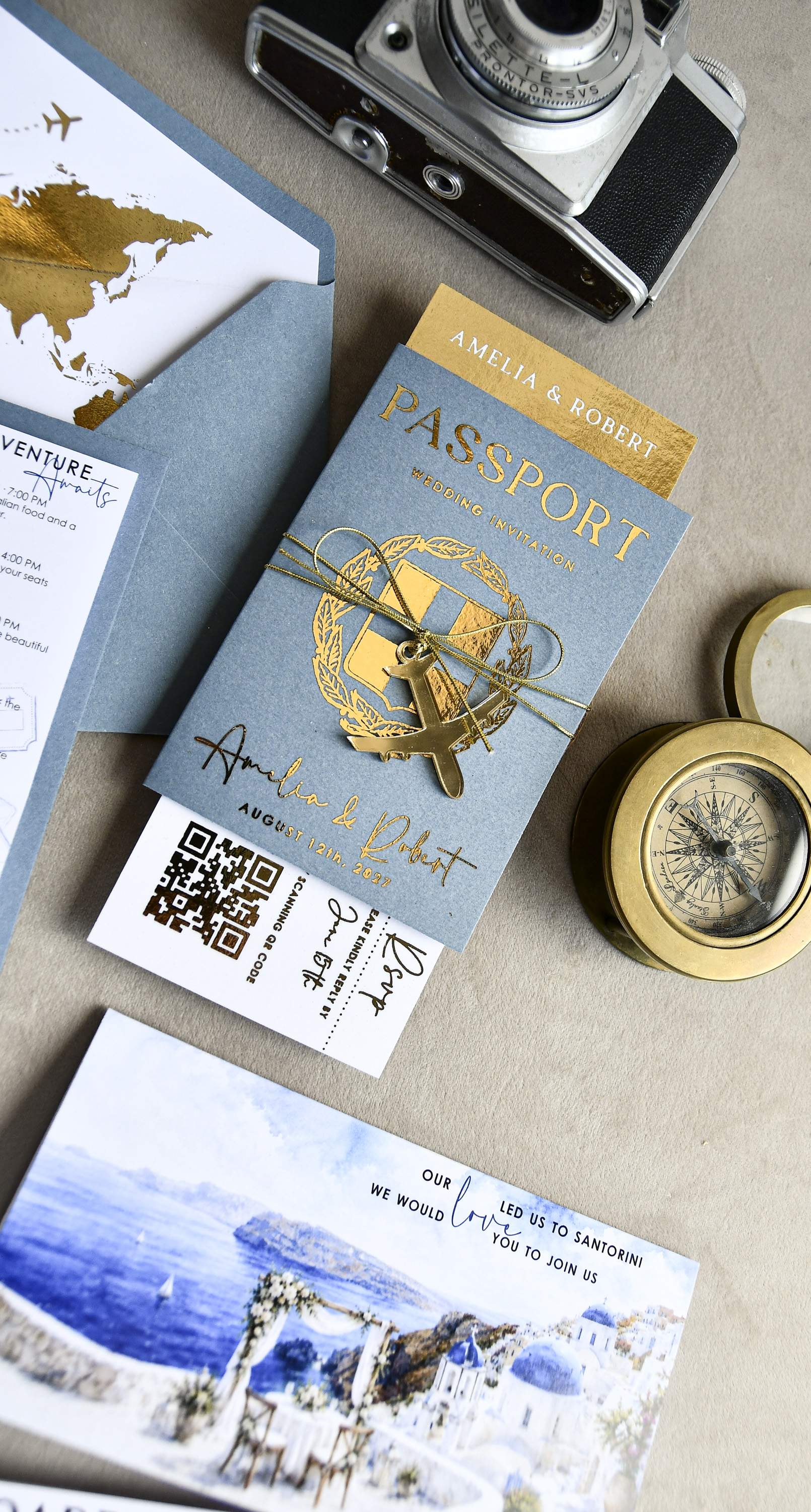
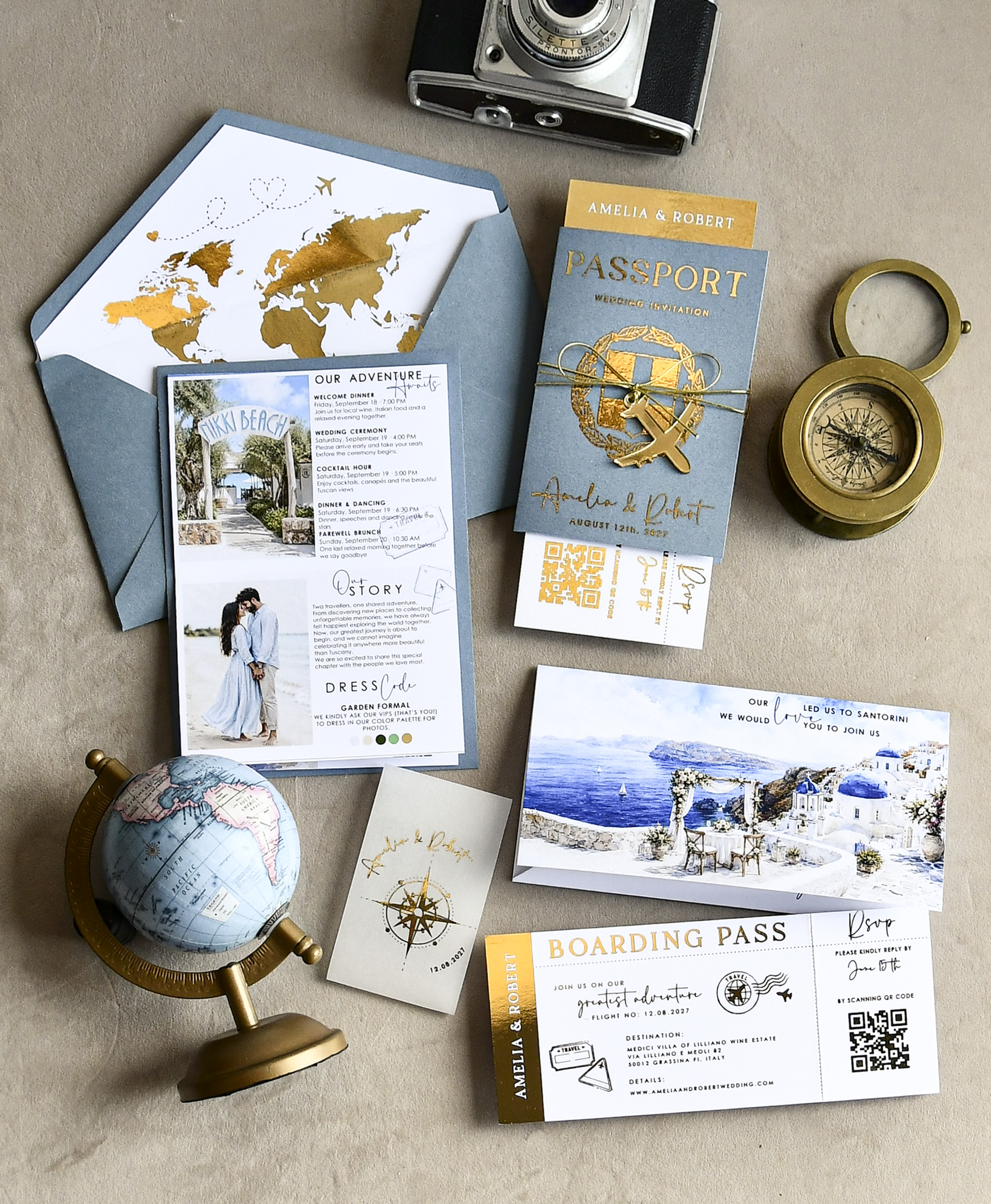
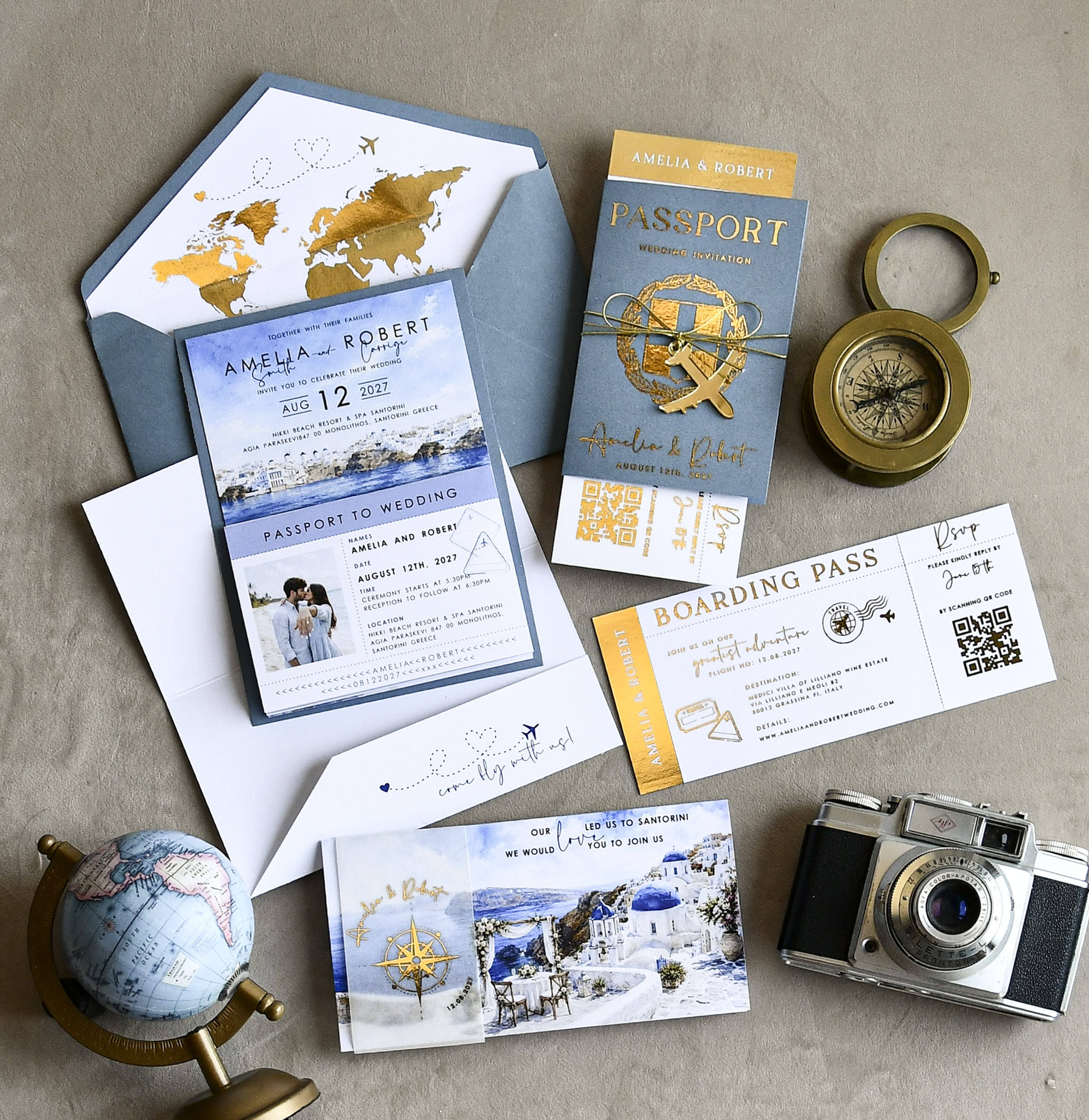
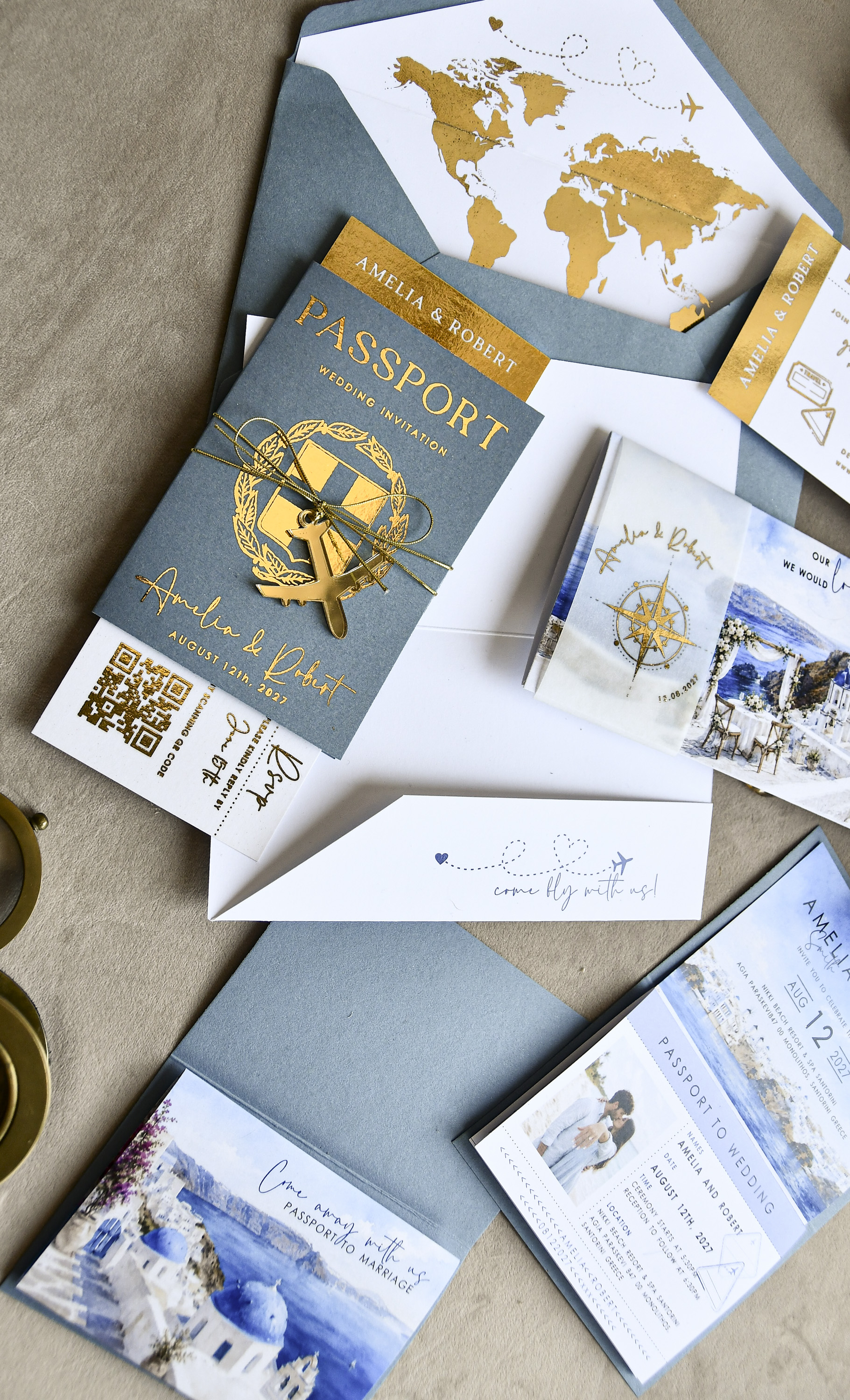
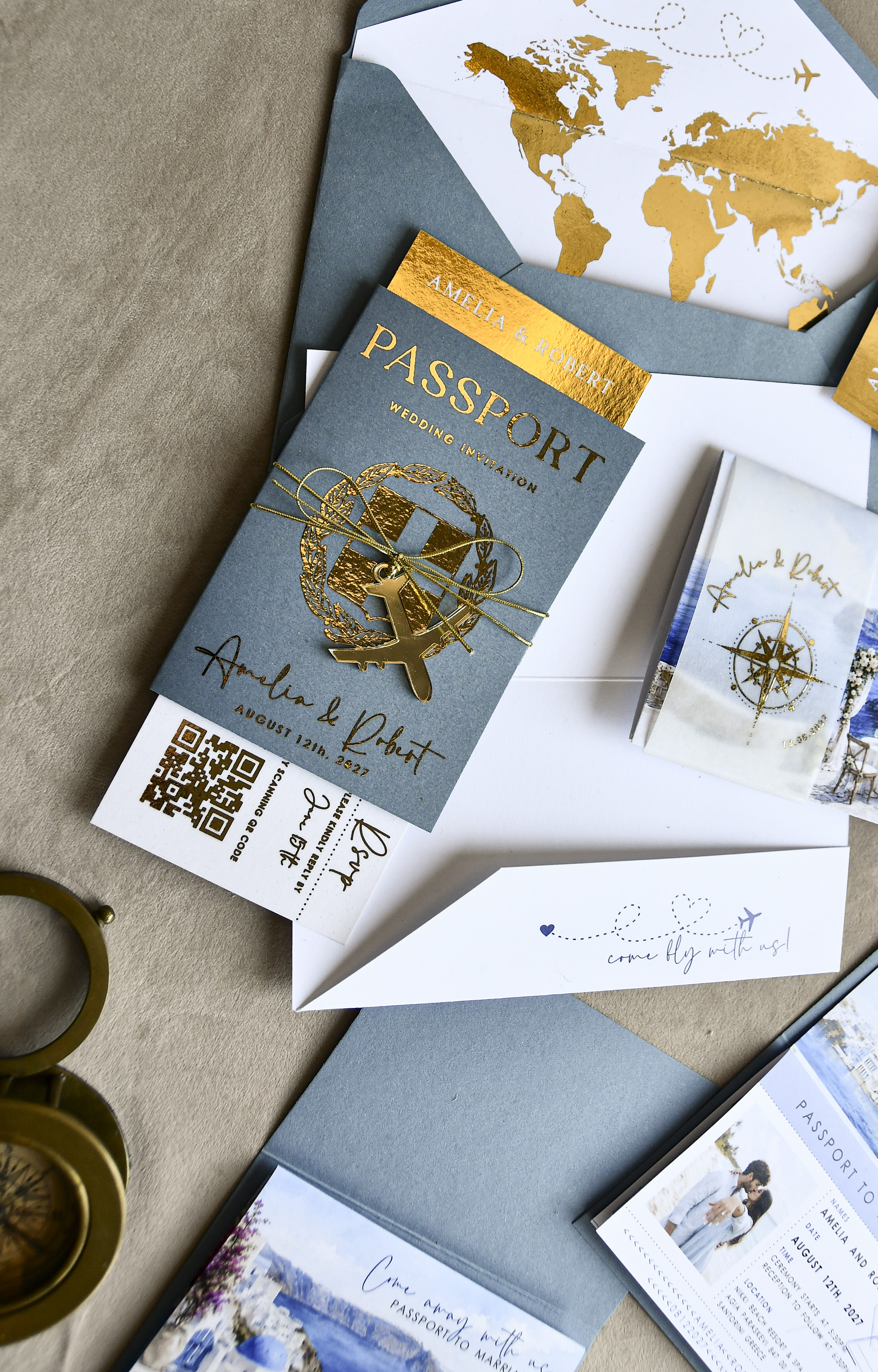
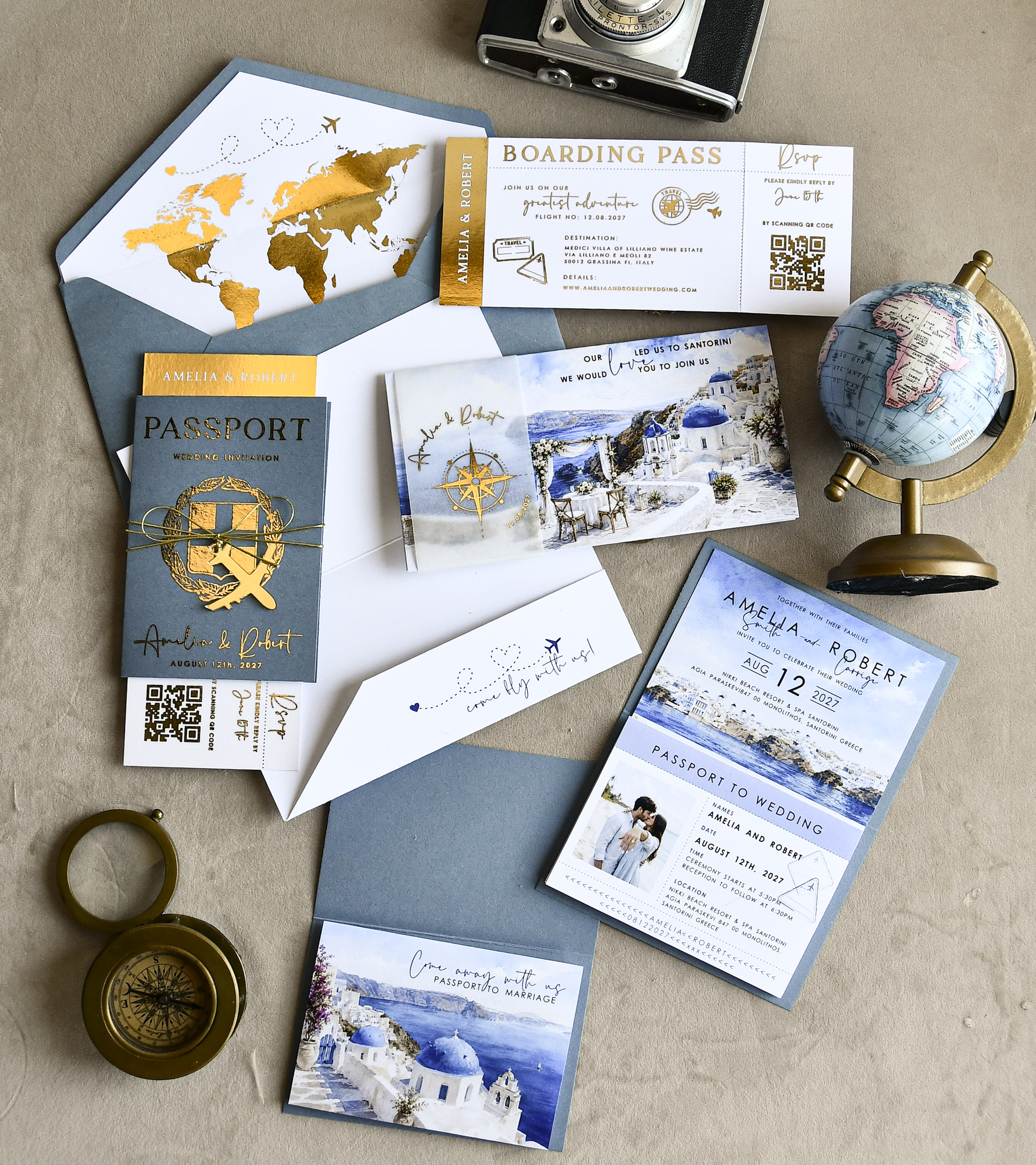
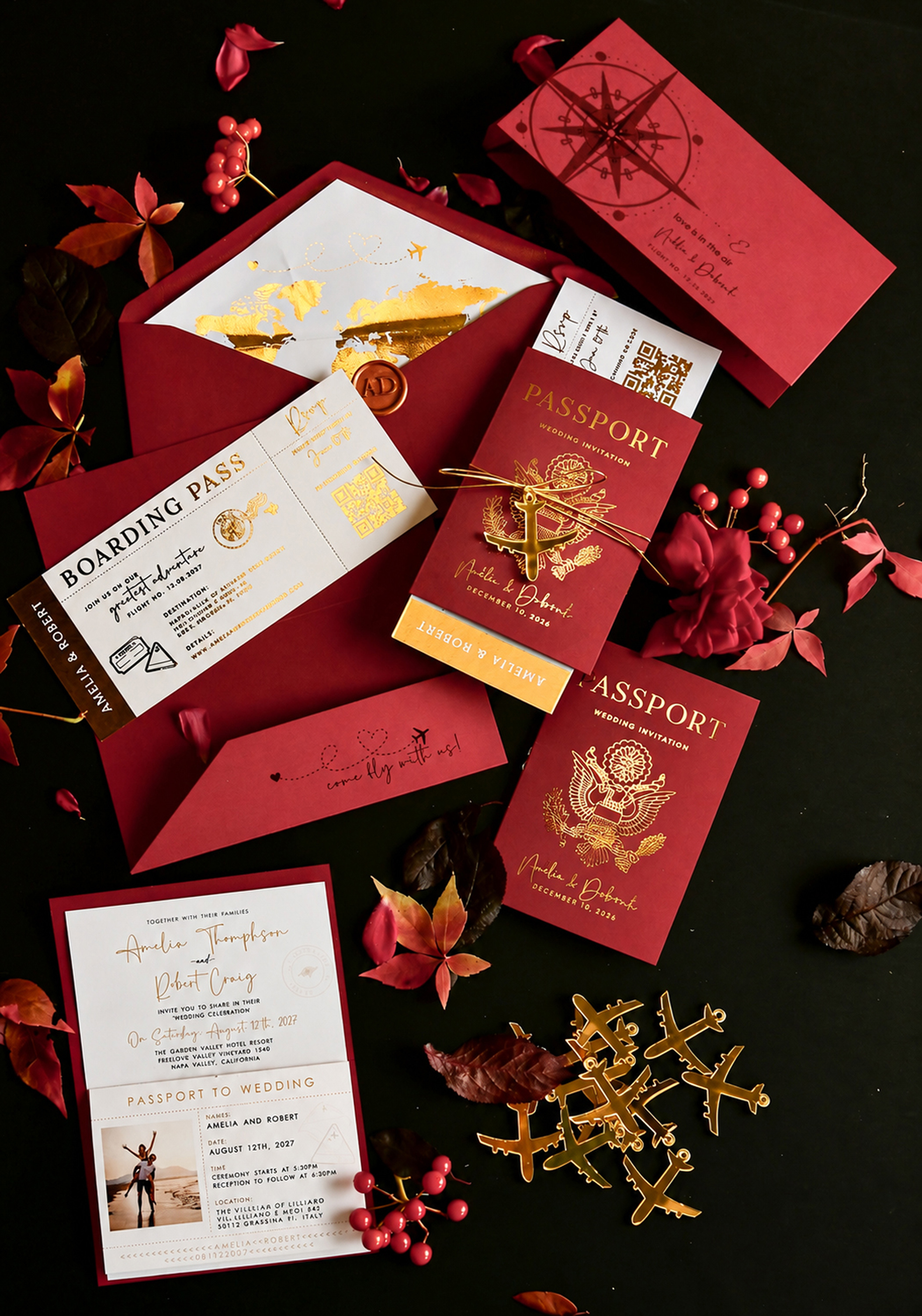
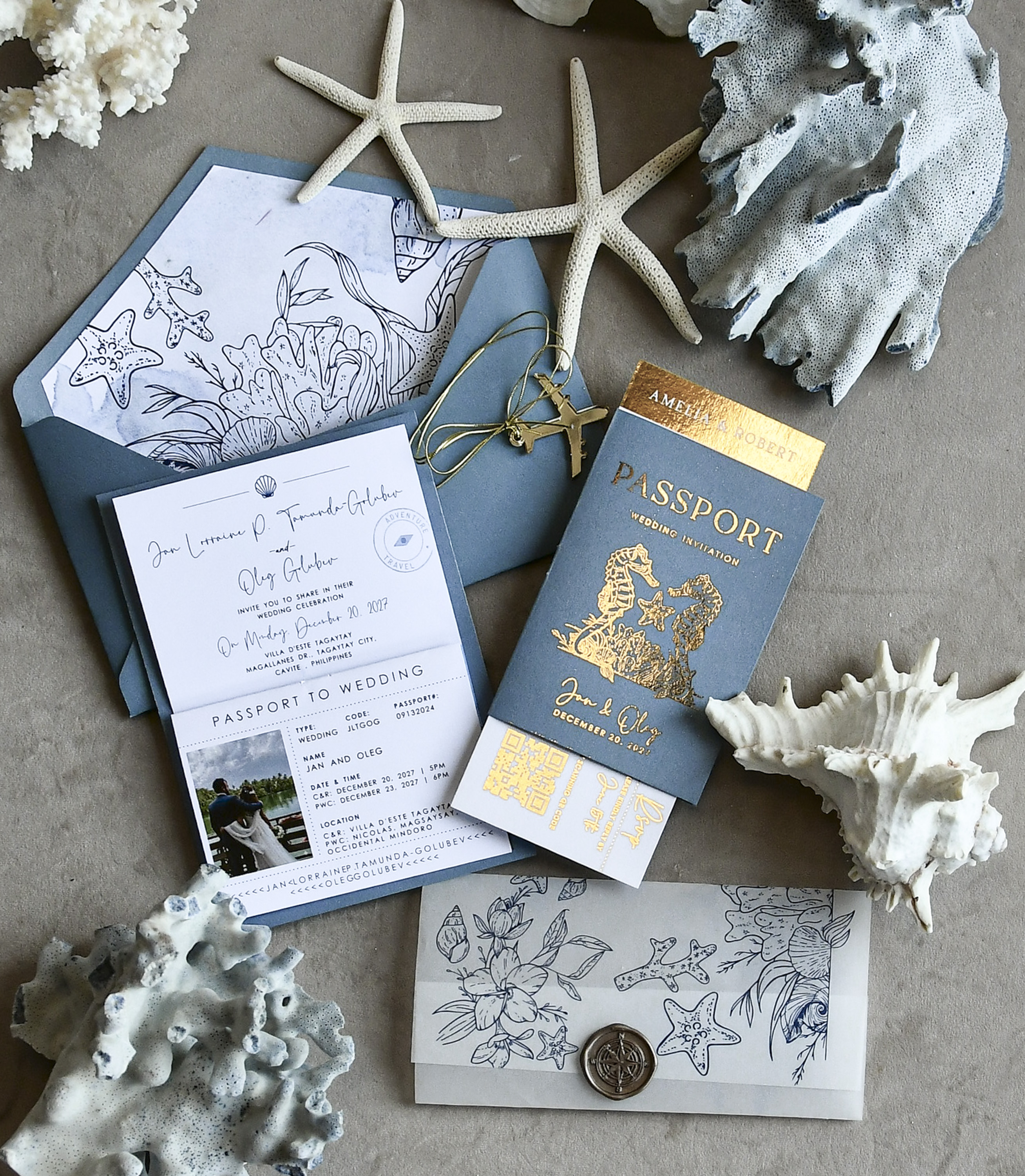
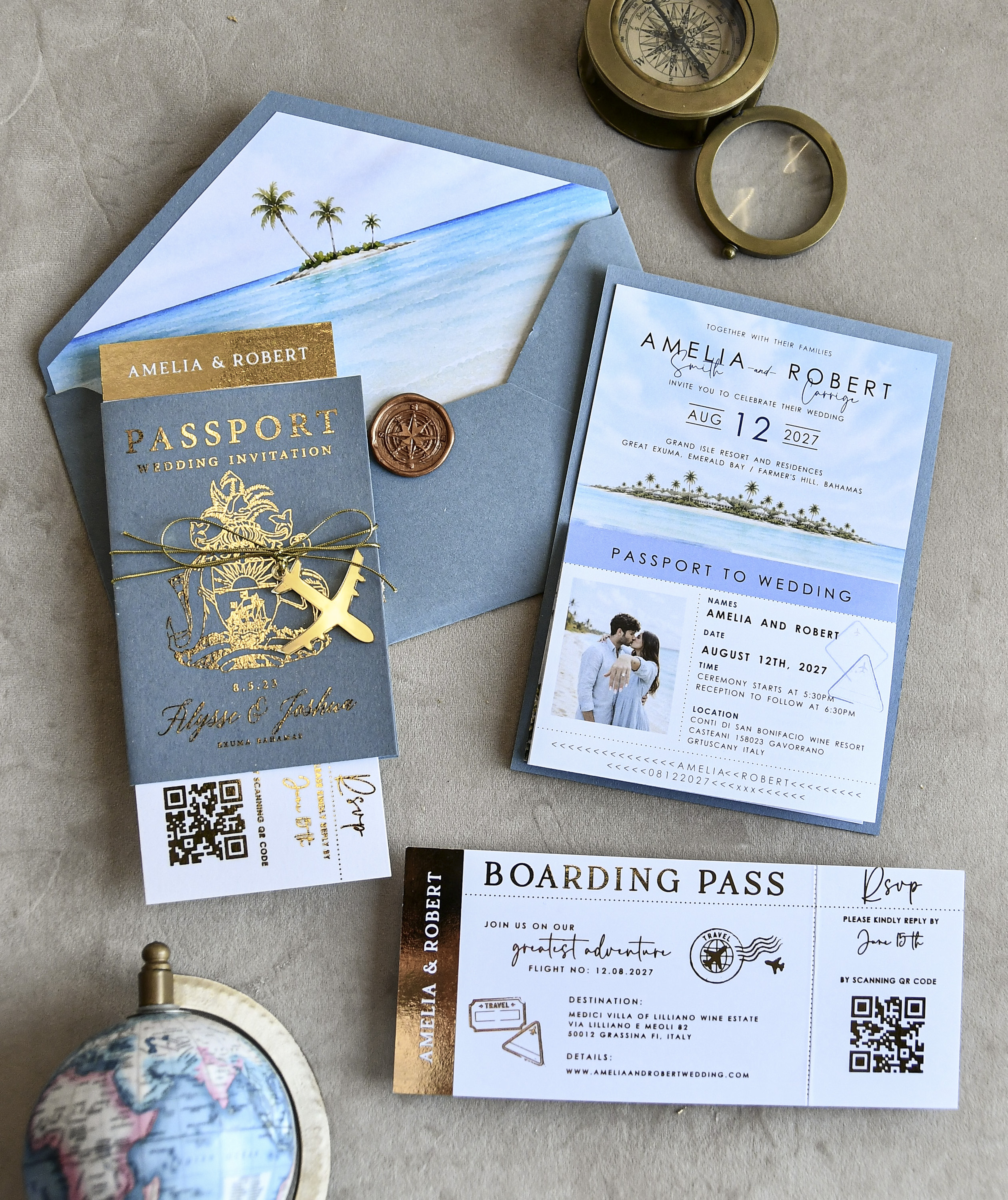
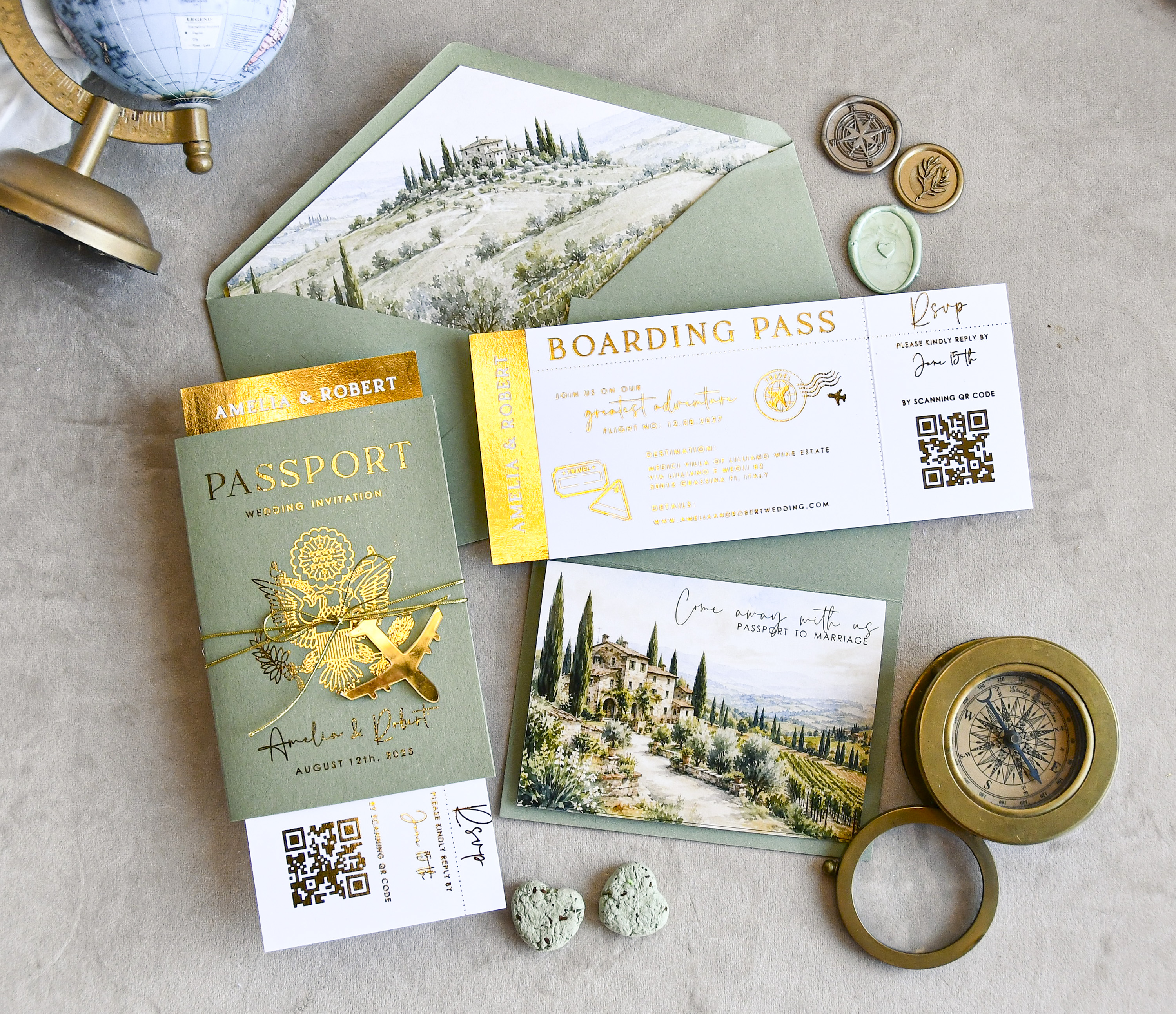
From a budget standpoint, skipping the printed response card and return envelope can meaningfully reduce your stationery costs, especially for larger guest lists. That savings can go toward upgrading your invitation suite itself — a destination-inspired design like the passport-style beach wedding invites from Margo&Bees, for example, makes an even bigger impression when the rest of your budget isn't tied up in reply cards.
How to Direct Guests to Your RSVP Page
The most common approach is to include a small enclosure card — sometimes called a details card or info card — inside your invitation envelope. This card lists your wedding website URL and a clear deadline, such as: "Kindly reply by June 1 at ourwedding.com/rsvp."
You can also print the RSVP instructions directly on the invitation itself if your design has space, or add a simple belly band insert. Whatever you choose, make sure the URL is short and easy to type — most couples use a free wedding website service that lets them create a custom address.
- Set a clear deadline: Give guests 3–4 weeks to respond, and set your cutoff date at least 2–3 weeks before your venue's headcount deadline.
- Keep the URL visible: Don't bury it in small print. It should be one of the first things guests notice on the enclosure.
- Test the form first: Submit a test RSVP yourself before invitations go out to make sure everything works on both desktop and mobile.
Handling Older or Less Tech-Savvy Guests
This is the most common concern couples have, and it's a valid one. If you have grandparents, elderly relatives, or guests who simply aren't comfortable online, going fully digital can create friction. There are a few ways to handle this gracefully.
One option is a hybrid approach: include a printed response card for guests who need it, and invite everyone else to respond online. You can even print a small note that says something like, "Prefer to reply by mail? A response card is enclosed for your convenience." This way, no one feels left out or stressed.
Another option is to personally call or email those specific guests once your RSVP deadline passes. A quick follow-up is expected with any RSVP method — online or paper — so a few phone calls to tech-averse family members is completely normal and not a burden.
Keeping the Overall Look Cohesive
One concern couples sometimes raise is whether skipping a physical response card makes the invitation suite feel incomplete. It doesn't have to. A well-designed details card or enclosure that matches your invitation's style keeps everything looking intentional and polished.
If you've chosen a themed invitation — like the destination-inspired 03/passDest/z passport wedding invites from Margo&Bees — a coordinating enclosure with a clean, elegant RSVP URL fits naturally into the suite and even adds to the travel-themed experience. The key is consistency in paper stock, fonts, and colors across every piece guests see.
Think of the invitation suite as a first impression of your wedding aesthetic. Whether guests are RSVPing by mail or clicking a link, that impression should feel cohesive and thoughtful from the moment they open the envelope.
A Quick Timeline for Managing Online RSVPs
Getting the logistics right makes the whole process smooth for you and your guests.
- 6–8 weeks before the wedding: Send invitations with your RSVP deadline clearly stated.
- 3–4 weeks before the wedding: Set your RSVP deadline here to give yourself buffer time.
- 1 week after the deadline: Follow up with anyone who hasn't responded — email, text, or call works fine.
- 2–3 weeks before the wedding: Submit your final headcount to your caterer and venue.
Building that buffer between your guest deadline and your vendor deadline is the most important thing you can do to reduce last-minute stress.
Frequently Asked Questions
Not at all — online RSVPs are widely accepted for modern weddings and most guests find them more convenient. The only consideration is making sure older or less tech-savvy guests have an easy alternative, like a phone number to call or a printed card included just for them.
At minimum, include a field for the guest's name, attendance confirmation (yes/no), and the number of guests in their party. You can also collect meal choices, dietary restrictions, and a fun question like a song request to make the form feel more personal.
You don't have to include one, but adding a small printed card for guests who prefer paper is a thoughtful touch. Many couples choose to go fully digital and simply follow up by phone with guests who don't respond by the deadline.
A friendly text, email, or phone call about a week after the deadline is perfectly acceptable — chasing RSVPs is a universal wedding experience. Keep the message light and warm, something like: "We'd love to know if you can make it — just wanted to make sure our invite didn't get lost!"
Aim for 3 to 4 weeks before your wedding date, which gives you time to follow up with non-responders and still meet your caterer's headcount deadline. If your venue requires a final count earlier, work backward from that date to set your guest deadline.
Yes, and it's one of the biggest advantages of going digital — you can add dropdown menus or checkboxes for meal options right in the form. This eliminates the need to decode handwritten meal choices on paper cards and keeps everything in one organized spreadsheet.
See This Design Up Close








You May Also Like
More Wedding Planning Guides
- → The Complete Guide to What Goes on a Wedding Invitation
- → Plus One Etiquette: Exactly Who Makes the Cut at Your Wedding
- → How to Navigate a Wedding When Your Divorced Parents Are at War
- → Inviting Guests to the Ceremony But Not the Reception: What You Need to Know
- → The Case for a Small Wedding: Everything You Need to Know
- → When to Send Wedding Invitations: A Complete Timeline Guide
- → Who Gets Cut First When Your Guest List Is Too Long?
- → Wedding Invitation Addressing: Etiquette Rules Every Couple Should Know
- → Do You Have to Invite Your Future In-Laws' Friends to Your Wedding?
- → Coworkers and the Wedding Guest List: How to Decide Who Gets an Invite
- → More Guests or a More Memorable Wedding? How to Choose What's Right for You
- → Inviting Your Ex to Your Wedding: A Practical Guide to Making the Right Call
- → Do You Have to Invite Your Cousins to Your Wedding?
- → How to Figure Out the Right Number of Wedding Invitations to Order
- → Should You Invite an Estranged Sibling to Your Wedding?
- → Going Digital: Everything You Need to Know About Sending Online Wedding Invitations
- → No-Shows After a Yes RSVP: How to Handle It Gracefully
- → Navigating the 'Them or Me' Wedding Guest Ultimatum
- → When Parents Want to Add Friends to the Guest List: A Practical Guide
- → No Kids at Your Wedding: Navigating the Etiquette With Confidence
- → How to Defuse Family Arguments Without Losing Your Mind Before the Wedding
- → Uninvited Plus-Ones and Tag-Alongs: How to Keep Your Guest List Intact
- → When Family Feuds Threaten Your Wedding Plans: A Practical Peacekeeper's Guide
- → Inviting an Estranged Brother or Sister: Finding Clarity Before You Seal the Envelope
- → Cousins, Invites, and Hard Choices: A Practical Guest List Guide